
AWS Bedrock AgentCore: Building Production AI Agents in 2026

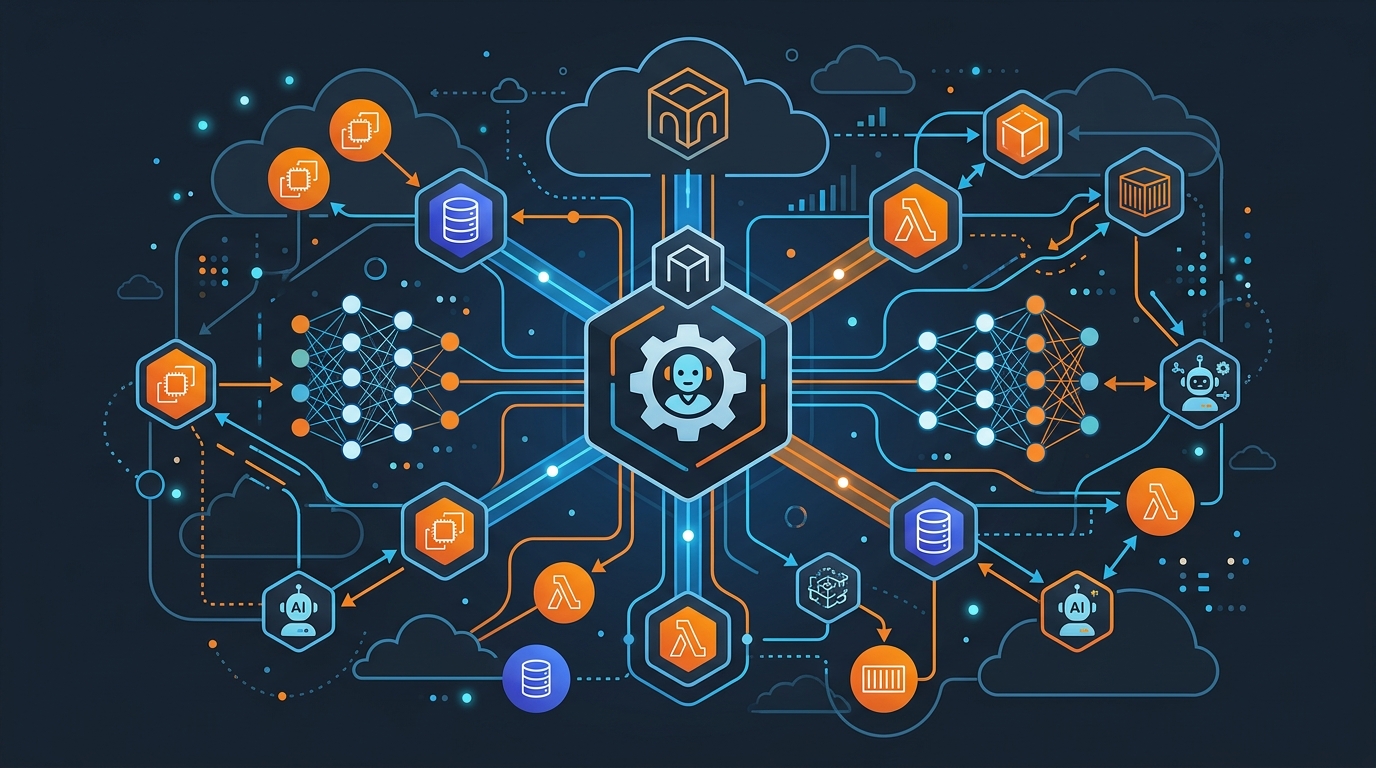
I spent most of last year watching teams try to build AI agents from scratch. The common thread: they underestimated the infrastructure. Everyone focuses on the model choice, spends a week on the prompts, then discovers they need session management, tool routing, rate limiting, observability, and a way to escalate to humans when things break. By then, they’ve burned weeks and want to abandon the project.
AWS Bedrock AgentCore exists precisely because AWS watched this pattern repeat. It’s not a chatbot interface or a model wrapper. It’s a runtime environment that handles the boring, painful parts of agent infrastructure so you can focus on defining what your agent actually does.
If you’re building production AI agents in 2026, you need to understand what AgentCore is, what problems it solves, and what it costs.
What AgentCore Actually Is
The mistake is thinking Bedrock AgentCore is just an API endpoint. It’s not. It’s a managed runtime that orchestrates model calls, maintains state, executes tools, and logs everything for debugging.
The runtime has five main components. The AgentCore Runtime is sandboxed execution for your agent. When you invoke an agent, the runtime manages the interaction loop: your agent receives a user query, decides which tools to use, the runtime executes those tools, the model processes the results, and the runtime returns the final response. All asynchronous, with automatic retry logic and timeout handling. You don’t implement the loop yourself.
Memory splits into two layers. Session memory lives within a conversation — the last few exchanges, the current context, what you told the agent five minutes ago. Long-term memory is persistent across sessions — user preferences from three months ago, past purchase history, customer account details. The runtime handles both. You configure retention policies; the runtime manages storage and retrieval.
Gateway is where tools live. It’s an MCP (Model Context Protocol) compatible integration layer. You define tools as JSON schemas, the agent sees them, and when the agent decides to call a tool, the Gateway routes the invocation to your actual backend. Lambda function, Kubernetes service, hosted API — the Gateway handles it.
Identity ensures agents only do what they’re supposed to do. You attach IAM policies to agents. Your customer support agent can look up orders but not delete them. Your billing agent can read invoices but not modify payment methods.
Browser is a headless browser runtime for agents that need to interact with web interfaces. If your tool requires scraping a page or interacting with a web app, the agent can navigate, click, extract data, and return results. It’s sandboxed and metered.
This is what’s hard to build yourself: session management with recovery, tool routing with error handling, persistent memory that doesn’t lose data, IAM integration, and a browser runtime. Most teams building agents end up building all of this before they realize they’re building infrastructure, not agents.
Why Not Build It Yourself
You can build agents without AgentCore. You can call Claude via the API, implement session storage in DynamoDB, route tool calls with Lambda, and add observability via CloudWatch. Many teams do exactly that.
The catch is that you’ll spend three months discovering all the edge cases. What happens when a tool call times out mid-invocation? How do you recover? How do you prevent your agent from calling the same tool twice if the first call succeeded but the response was lost? How do you handle concurrent requests from the same user without corrupting session state? How do you rate-limit agents to prevent token waste?
I’ve deployed this kind of setup. It works. It also requires a platform engineer on staff to maintain it, constant tweaks as you discover new failure modes, and careful monitoring to catch runaway agents before they burn your monthly budget.
AgentCore handles all of this. You don’t implement the retry logic; it’s built in. You don’t manage session storage; it’s managed. You don’t route tool calls; the Gateway does. You don’t debug raw logs; CloudWatch Logs Insights has agent-specific queries ready to go.
The second reason: compliance. If you’re in healthcare or finance, you need PII detection and content filtering. AgentCore has guardrails built in. You configure what’s blocked, the runtime enforces it. If you’re building your own, you need to add this to every tool call, every model invocation, every response.
Cost is underrated here too. Session management, memory storage, and tool routing are metered separately. You pay for what you use. If you build it yourself, you pay for your infrastructure whether the agent is active or idle.
Models on Bedrock
Claude 3.5 and 3.7 Sonnet are the go-to models for agents. They have the best instruction-following and tool use accuracy. If you need reasoning depth, use Sonnet 3.7. If you need speed and cost efficiency, use Sonnet 3.5.
Llama 3.1 works for agents but requires more careful prompting. It’s cheaper, but tool-calling accuracy isn’t quite as high as Sonnet. Use it if cost matters more than reliability.
Mistral Large is surprisingly good at tool routing. If you have a simple agent with a few tools, it’s worth benchmarking.
Command R+ from Cohere is designed for tool use. If you’re building a heavily tool-driven agent with a dozen functions, Command R+ often beats Sonnet on cost and latency.
The choice is usually Sonnet vs. everything else. Sonnet is the safe default. If you’re optimizing for cost, benchmark your specific use case. Don’t assume; test.
Real Use Case: Customer Support Agent
Your e-commerce business gets 10,000 support emails a day. You want an agent that handles simple cases automatically: look up orders, process refunds, track shipments, escalate to a human when things get complex.
The agent needs four tools: get_order, get_refund_status, process_refund, and escalate_to_human.
Architecture: AgentCore agent with session memory (customer context), long-term memory (past tickets from this customer), Gateway routing tool calls to Lambda functions. Guardrails block sensitive customer data in responses. CloudWatch Logs track every tool invocation.
The flow: customer sends “I want to return my order from last week.” The runtime loads the customer’s past interactions from long-term memory. The agent sees the context, calls get_order to fetch recent orders, identifies the right one, checks the return policy, and offers a refund. If straightforward, it calls process_refund. If the order is unusual or outside the return window, it escalates.
What makes this work is that the runtime loads the customer’s long-term memory automatically. No extra code. The agent sees the context and makes better decisions. If process_refund times out, the runtime retries. If it fails, the agent sees the error and can escalate.
The escalation path matters. Your escalate_to_human tool needs to actually create a ticket in your support system. AgentCore can trigger this via the Gateway — the tool calls a Lambda that creates the ticket and notifies your team. Or for complex multi-step refund workflows, EventBridge + Step Functions is the right integration: the agent fires an event that kicks off a Step Functions state machine to handle the approval and processing flow.
Tool Definitions and Function Calling
Tools are JSON schemas. Here’s an order lookup tool:
{
  "name": "get_order",
  "description": "Look up a customer order by order ID. Returns order details including items, amounts, and shipping status.",
  "input_schema": {
    "type": "object",
    "properties": {
      "order_id": {
        "type": "string",
        "description": "The order ID to look up"
      }
    },
    "required": ["order_id"]
  }
}
The description matters. If it’s vague, the agent picks the wrong tool. “Look up order” is better than “get stuff.” The model reads the description and decides when to call it.
When the agent calls a tool, the Gateway receives the call, invokes your backend, and returns the result. The agent processes it and decides next steps. If the tool returns an error, the agent can try a different approach or ask the user for clarification.
One detail: tool definitions should be specific about required inputs. The model needs to extract parameters from the user’s message. “Order ID” is clear. “Reference” is vague.
Memory: Session and Long-Term
Session memory is the conversation history and recent context. By default, the runtime keeps the conversation and uses it as context for the next invocation. You configure retention: keep the last 10 exchanges, or the last 5,000 tokens, or the last 24 hours.
Long-term memory is persistent. You define what gets stored. For a customer support agent, you’d store resolved tickets, customer preferences, and past issues. Every interaction gets embedded (converted to vector form), stored with metadata, and made searchable.
When an agent invokes, the runtime searches long-term memory for relevant past interactions. If a customer previously mentioned they’re sensitive to email frequency, the memory search returns that context. The agent sees it and adjusts. This is human-like behavior that requires long-term memory — and it’s something you really don’t want to build yourself.
Memory retention is configurable. You might keep session memory for 30 days but long-term memory for two years. The runtime enforces policies automatically.
Guardrails: Not Optional
Production agents need content filtering, PII detection, and grounding checks. These aren’t optional if you’re customer-facing.
Content filtering blocks harmful outputs. You configure policy — no hate speech, no violence — and the guardrail intercepts model output before returning it to the user.
PII detection finds personally identifiable information in responses. If the agent accidentally includes a customer’s email or credit card fragment, the guardrail redacts it before returning to the user.
Grounding checks verify that responses are consistent with your business rules. If your agent claims a refund is approved but the policy says otherwise, the grounding check catches it. You provide source documents (return policies, FAQs), and the guardrail verifies outputs against them.
aws bedrock create-guardrail \
  --name customer-support-guardrail \
  --content-policy-config '{
    "filtersConfig": [
      {"type": "HATE", "inputStrength": "HIGH", "outputStrength": "HIGH"},
      {"type": "VIOLENCE", "inputStrength": "HIGH", "outputStrength": "HIGH"}
    ]
  }' \
  --sensitive-information-policy-config '{
    "piiEntitiesConfig": [
      {"type": "EMAIL", "action": "ANONYMIZE"},
      {"type": "CREDIT_DEBIT_CARD_NUMBER", "action": "BLOCK"}
    ]
  }'
You attach the guardrail to the agent. Every invocation goes through it before returning to the user. Violations are logged and queryable.
Observability
Debugging an agent is harder than debugging a function. Your function does one thing; your agent makes decisions across multiple tool calls. You need visibility into those decisions.
CloudWatch Logs captures agent traces. Every invocation, every tool call, every model decision is logged. Here’s a Logs Insights query to find all tool calls for a specific agent in the last hour:
fields @timestamp, agentId, toolName, toolInputs, toolOutput
| filter agentId = "my-support-agent"
| filter @timestamp > now() - 1h
| stats count() by toolName
This tells you which tools your agent called most often. If escalate_to_human is top, your agent isn’t resolving many cases. If get_order fails frequently, your backend might be slow or flaky.
Find slow invocations:
fields @timestamp, agentId, invocationId, duration
| filter agentId = "my-support-agent"
| filter duration > 5000
| sort duration desc
Find guardrail blocks:
fields @timestamp, agentId, guardrailAction, violationCategory
| filter agentId = "my-support-agent"
| filter guardrailAction = "blocked"
| stats count() by violationCategory
If PII blocks are high, your agent is leaking customer data. These queries become part of your operational runbook.
Cost Model
Token pricing is the same as regular Bedrock. Claude Sonnet 3.5 is around $0.003 per 1K input tokens and $0.015 per 1K output tokens. A typical customer support interaction — 500 input tokens, 200 output tokens — runs roughly $0.002.
Tool calls cost $0.0001 each. Three tool calls per resolution: $0.0003.
Memory storage and embedding is $0.00002 per interaction stored. Memory search is $0.00001 per search.
For 10,000 interactions a day with three tool calls each, one memory search, and guardrail checks, you’re looking at roughly $24 a day or $720 a month. Compare that to one support FTE at $3,000-5,000 a month. Even if your agent resolves only 25% of tickets automatically, the math works.
The scaling is linear. More invocations, more cost. Optimize tool latency early — slow tool calls consume more tokens as the model waits.
For cost governance, pair AgentCore with the budget alerts and anomaly detection from AWS Cost Anomaly Detection — a runaway agent loop can spike token usage unexpectedly, and you want to know before the bill arrives.
IAM: Least Privilege
Your agent’s IAM role should cover exactly what it needs, nothing more:
{
  "Version": "2012-10-17",
  "Statement": [
    {
      "Effect": "Allow",
      "Action": [
        "bedrock:InvokeAgent",
        "bedrock:InvokeModel"
      ],
      "Resource": "arn:aws:bedrock:*:*:agent/my-support-agent"
    },
    {
      "Effect": "Allow",
      "Action": [
        "logs:CreateLogStream",
        "logs:PutLogEvents"
      ],
      "Resource": "arn:aws:logs:*:*:log-group:/aws/bedrock/agents/*"
    },
    {
      "Effect": "Allow",
      "Action": [
        "dynamodb:GetItem",
        "dynamodb:Query"
      ],
      "Resource": "arn:aws:dynamodb:*:*:table/customer-orders"
    }
  ]
}
The agent can read orders, write logs, and invoke its model. It cannot delete from the table or call anything else. Add permissions incrementally as you add tools. If a tool is compromised and an attacker tries to delete orders, the IAM policy blocks it.
An agent is a long-running process making autonomous decisions. You want blast radius minimization baked in from the start.
Getting Started
Creating a Bedrock agent via boto3:
import boto3

client = boto3.client("bedrock-agent", region_name="us-east-1")

response = client.create_agent(
    agentName="customer-support-agent",
    agentResourceRoleArn="arn:aws:iam::123456789:role/bedrock-agent-role",
    description="Handles customer support queries",
    foundationModel="anthropic.claude-3-5-sonnet-20241022-v2:0",
    instruction="You are a helpful customer support agent. Help customers with their orders and issues. Always verify order details before processing refunds.",
)

agent_id = response["agent"]["agentId"]
print(f"Agent created: {agent_id}")
Invoking with session memory:
runtime_client = boto3.client("bedrock-agent-runtime", region_name="us-east-1")

response = runtime_client.invoke_agent(
    agentId=agent_id,
    agentAliasId="TSTALIASID",
    sessionId="customer-session-123",
    inputText="I want to return my order from last week"
)

completion = ""
for event in response["completion"]:
    if "chunk" in event:
        completion += event["chunk"]["bytes"].decode()

print(completion)
The session ID ties invocations together. Same session ID, same conversation context. New session ID (next day, new topic), fresh context but long-term memory still loads.
When Not to Use AgentCore
AgentCore is not for simple Q&A chatbots. If your use case is “answer questions from a knowledge base,” use a standard RAG setup — retrieval plus generation, no agent runtime needed.
If you have a tiny use case (a dozen invocations a day), the operational overhead of managing an agent might not be worth it. You could call Claude directly and handle session management yourself.
If your tools require custom orchestration logic AgentCore doesn’t support, you might build your own. But be honest about the cost. Building production agent infrastructure is weeks of engineering.
Wrapping Up
Bedrock AgentCore isn’t revolutionary. It’s a managed runtime that handles infrastructure you’d otherwise build yourself. The value isn’t the concept; it’s not having to do the work.
When you deploy a production agent, you need session management, memory, tool routing, rate limiting, observability, and guardrails. AgentCore provides all of it. You focus on defining what your agent does — tools, prompts, escalation paths — not how it runs.
The cost is reasonable for most applications where agents replace human work. The observability is solid. The guardrails are comprehensive.
If you’re considering building agents in 2026, start with AgentCore. You’ll ship faster, have fewer operational surprises, and won’t spend a month debugging session state corruption.
Explore more like this

AWS VPC Design Patterns in 2026: From Single Account to Multi-Account Landing Zone
The VPC decisions you make on day one will follow you for years. I’ve lived through the consequences—redesigning a network that was built without proper CIDR planning, watching a simple...
Platform Engineering with Backstage on AWS: A Practical Guide for 2026
I watched a backend engineer spend two hours yesterday trying to figure out which CloudFormation template to use for their new service. They had three options in a Confluence page....
GitLab + ArgoCD: GitOps Deployments on EKS in 2026
I spent three years pushing changes to Kubernetes with kubectl apply inside CI/CD pipelines. Every deployment required cluster credentials in GitLab. Every pipeline failure left the cluster in an unknown...

Comments