
AWS VPC Design Patterns in 2026: From Single Account to Multi-Account Landing Zone


The VPC decisions you make on day one will follow you for years. I’ve lived through the consequences—redesigning a network that was built without proper CIDR planning, watching a simple workload become nightmarish because someone thought they’d stay in a single AZ forever. This post covers the patterns that work in 2026, what I’d do differently, and what mistakes will cost you the most.
Why VPC Architecture Matters More Than You Think
A bad VPC design doesn’t just slow you down. It blocks scaling, breaks security, tangles your operations, and eventually forces a rebuild that costs more time and money than getting it right the first time. Changing your subnet layout after you’ve got running workloads is like rearranging plumbing inside a building while people are still in it.
The worst mistake I made was starting with a /24 CIDR block thinking “we can always expand later.” Expanding CIDR blocks without downtime is either very complicated or impossible. I learned fast. Most teams do, and by then they’re already constrained.
The second worst mistake was not reserving space upfront. Growing a VPC from 10.0.0.0/16 to 10.1.0.0/16 (or worse, trying to add a completely separate range) is friction you can avoid with one conversation at the beginning.
Single VPC: The Foundation
Most organizations start here, and for good reason. A single VPC is simpler to manage, you don’t pay for Transit Gateway attachments, and you don’t have to worry about routing complexity between accounts. But you need to do it correctly.
A production VPC has three types of subnets, and they matter.
Public subnets hold resources that face the internet. Load balancers go here. NAT gateways go here. These subnets have a route to an Internet Gateway. Traffic in and out is unrestricted in principle—your security groups and NACLs handle the actual access control.
Private subnets hold application servers. They can route outbound traffic through a NAT gateway, which means they can pull packages and updates but nothing inbound from the internet can reach them. This is where your application logic lives.
Isolated subnets hold databases, caches, and anything that should never touch the internet. No route to NAT, no route to Internet Gateway. Only internal VPC traffic reaches these resources. When you need isolation, isolated subnets are the right layer.
I deploy this across three availability zones. Three AZs gives you redundancy that survives an AZ failure. Two AZs is risky—you lose an AZ, you’re down. I’ve watched it happen. One AZ is obviously not production.
So a basic VPC looks like this:
3 public subnets (one per AZ) 3 private subnets (one per AZ) 3 isolated subnets (one per AZ)
That’s 9 subnets. Each one needs a /24 (256 addresses). So I’m using 2,304 addresses minimum. A /16 block has 65,536 addresses. Even accounting for AWS reserved addresses (first 4 and last 1 of each subnet), I’m well within comfortable territory and I’ve got room to grow.
Start with /16. No matter what. I’ve never had a single VPC regret that choice. I have had the opposite regret many times.
Here’s what the CIDR layout looks like in practice:
VPC CIDR: 10.0.0.0/16

Public Subnets:
  AZ-A: 10.0.1.0/24 (256 addresses)
  AZ-B: 10.0.2.0/24 (256 addresses)
  AZ-C: 10.0.3.0/24 (256 addresses)

Private Subnets:
  AZ-A: 10.0.11.0/24 (256 addresses)
  AZ-B: 10.0.12.0/24 (256 addresses)
  AZ-C: 10.0.13.0/24 (256 addresses)

Isolated Subnets:
  AZ-A: 10.0.21.0/24 (256 addresses)
  AZ-B: 10.0.22.0/24 (256 addresses)
  AZ-C: 10.0.23.0/24 (256 addresses)
Use that spacing. It keeps subnets organized, makes reading route tables easier, and leaves room for future growth. If someone adds a subnet between yours later, you’ll thank yourself for planning the numbering.
The NAT Gateway Trap
Every public subnet in your design should have a NAT gateway if you’ve got private subnets that need internet access. NAT gateway pricing is $0.045 per GB of data processed, plus $0.045 per hour per gateway. The hourly fee stings but the data processing is what kills you.
I’ve watched teams spend $5K per month on NAT gateway charges that could have been $200 with better design. The trick is understanding what consumes bandwidth.
Amazon S3 operations through NAT? That’s billable. ECR pulls for container images? Billable. DynamoDB calls? Billable. Even though these are AWS services and your traffic stays inside AWS, it crosses the NAT gateway and you pay the data processing charge.
The fix is VPC endpoints. A VPC endpoint lets you access AWS services directly without routing through a NAT gateway. There are two types: Gateway endpoints (for S3 and DynamoDB) and Interface endpoints (for everything else). Gateway endpoints are free. Interface endpoints cost $0.01 per hour plus data processing, but they’re so much cheaper than NAT that it almost never matters.
If I’ve got applications in private subnets pulling images from ECR, I create a VPC endpoint for ECR. If I’ve got code writing to S3, I create a gateway endpoint. The savings compound fast.
Here’s an example: a team with 200 GB/month of S3 traffic through NAT is paying 200 × $0.045 = $9 per month. Then there’s the hourly cost. With an S3 gateway endpoint? Zero dollars. The endpoint is free, the gateway endpoint traffic is free.
Interface endpoints for ECR cost $0.01 per hour ($7.30/month) plus data transfer, but if you’re pulling 100 GB of images per month through NAT, that’s $4.50/month just for data processing. The interface endpoint wins immediately.
Multi-VPC: When One Isn’t Enough
At some point one VPC isn’t enough. You might want separate VPCs for dev, staging, and production. You might want workload isolation—one VPC per product, one per customer, whatever makes sense for your organization. The network grows and you need to connect these VPCs.
This is where the routing complexity starts. You’ve got two main patterns: hub-and-spoke with Transit Gateway, and full mesh with VPC Peering.
VPC Peering is the simple option. Two VPCs peer directly. They share a peering connection. Traffic between them routes directly through the peering connection, no intermediary, free data transfer within the same AZ (you pay for cross-AZ peering: $0.01/GB in, $0.01/GB out).
VPC Peering scales until it doesn’t. With 5 VPCs, you need 10 peering connections. With 10 VPCs, you need 45. With 20 VPCs, you need 190. The math gets ugly fast and the routing gets unmaintainable. I drew peering diagrams for a network with 12 VPCs once. It looked like a plate of spaghetti.
AWS Transit Gateway is the enterprise option. It’s a hub. All VPCs connect to it. Transit Gateway handles the routing. You attach VPCs, you add route table entries pointing to the Transit Gateway, traffic routes through it. One connection per VPC to the hub, linear scaling, cleaner routing.
Transit Gateway costs $0.05 per attachment per hour. With 10 VPCs, that’s $0.50/hour = $3.65/day = $1,335/year for the attachments alone. Add data processing charges: $0.02/GB. If you’re moving 1 TB/month between VPCs, that’s $20/month in data processing. Transit Gateway isn’t free, but it’s the cost of not going insane when your network grows.
The rule I use: with fewer than 5 VPCs, VPC Peering is fine. With 5 or more, or if you’re planning to grow, use Transit Gateway. I’ve seen teams try to run 8 VPCs with peering. Don’t be that team.
Here’s a Transit Gateway attachment via AWS CLI:
aws ec2 create-transit-gateway-attachment \
  --transit-gateway-id tgw-12345678 \
  --vpc-id vpc-abcd1234 \
  --subnet-ids subnet-1a2b3c4d subnet-1e2f3g4h subnet-1i2j3k4l \
  --region us-east-1
The attachment connects your VPC to the Transit Gateway. You specify three subnets (one per AZ for redundancy). The Transit Gateway handles the rest.
Multi-Account Strategy
Now we’re getting to the real complexity. One AWS account per environment (dev, staging, prod), or one per workload? The answer depends on your blast radius and your team size.
Separate accounts for dev, staging, and production is the pattern I recommend for most teams. It prevents accidents. Someone deploys bad code to dev and wipes their data—that’s a learning moment. The same person accidentally runs it in prod, and now your customer data is gone. Account isolation prevents that. You can’t accidentally cross environments when they’re in different accounts.
For the VPC networking, you’ve now got at least three accounts, each with one or more VPCs. They need to communicate. You could peer them all, or route them all through Transit Gateway. But here’s the trick: if you’re using Transit Gateway, you can create a Transit Gateway in a central account and attach VPCs from other accounts to it. This is called Transit Gateway sharing, and it’s the foundation of AWS’s recommended multi-account architecture: the Landing Zone.
AWS Control Tower and AWS Landing Zone give you a template for multi-account organization. There’s a central security account, a network account (hosting the shared Transit Gateway), and then dev, staging, and prod accounts. Each environment has its own VPC, all connected through the shared Transit Gateway.
Don’t confuse this with shared VPCs. AWS Resource Access Manager lets you share a single VPC across multiple accounts. Everyone in the shared VPC launches instances in the same subnets, sees the same security groups. It’s a security nightmare for most teams. I’ve seen it used correctly exactly zero times. Each team launches in separate VPCs, even if they’re in the same account.
Security Groups, NACLs, and Network Firewall
These three layers do overlapping jobs and it confuses everyone.
Security Groups are stateful. You allow inbound traffic on port 443, and return traffic comes back automatically. Security groups are instance-level or ENI-level. You assign them to individual network interfaces. They’re the first line of defense and they should be your main control mechanism. “Allow inbound on 443 from load balancer security group” is the pattern.
NACLs are stateless. You define rules, inbound and outbound, with explicit allow and deny. Changes to a NACL apply to the entire subnet. NACLs are useful when you want blanket restrictions—”nothing on port 23 ever leaves this subnet”—but they’re harder to manage than security groups. I use NACLs for blocking known-bad IP ranges, or for “deny all” rules as a fallback. Most access control happens via security groups.
AWS Network Firewall is the third layer. It’s a managed firewall that sits at the VPC edge, between the Internet Gateway and your resources, or between VPCs if you’re routing through it. It inspects traffic, can block by domain name, can enforce IPS rules, can filter by SSL certificate. It’s powerful and it’s expensive. $1.94/day baseline, then $0.30/GB of traffic. Use it when you need stateful inspection and domain-based filtering. Use security groups and NACLs for everything else.
Here’s a security group rule that works:
aws ec2 authorize-security-group-ingress \
  --group-id sg-12345678 \
  --protocol tcp \
  --port 443 \
  --source-group sg-87654321
This allows inbound HTTPS from any instance in the load balancer security group. It’s simple, it’s explicit, and the return traffic is handled automatically by the stateful nature of security groups.
Here’s the equivalent NACL rule (it’s more complicated because NACLs are stateless):
aws ec2 create-network-acl-entry \
  --network-acl-id acl-12345678 \
  --rule-number 100 \
  --protocol tcp \
  --port-range From=443,To=443 \
  --cidr-block 10.0.0.0/24 \
  --ingress
You have to specify the source CIDR. You have to define return traffic as a separate rule. It’s tedious. Use security groups first. Use NACLs as a fallback or for blanket controls that apply to entire subnets.
VPC Flow Logs and Cost
VPC Flow Logs capture network traffic metadata: source IP, destination IP, port, protocol, whether the traffic was accepted or rejected, how many bytes. They’re invaluable for debugging connectivity issues and for security analysis.
The destination choice matters for cost. CloudWatch Logs runs $0.50 per GB ingested and $0.03/GB stored — fine for low-volume debugging, painful for a busy VPC. S3 is $0.023/GB/month on standard storage, much cheaper for bulk logging. My default: S3 for long-term retention and compliance, CloudWatch for the current debugging session. You can fan out to both if you need it.
Enable flow logs for rejected traffic first. Accepted traffic can be noisy. You’re interested in the traffic that’s failing because that’s where your connectivity problems hide.
aws ec2 create-flow-logs \
  --resource-type VPC \
  --resource-ids vpc-12345678 \
  --traffic-type REJECT \
  --log-destination-type cloud-watch-logs \
  --log-group-name /aws/vpc/flow-logs \
  --deliver-logs-permission-role arn:aws:iam::123456789012:role/flowLogsRole
This creates a flow log for your VPC, captures rejected traffic only, and sends it to CloudWatch Logs. You can query it later: “show me all TCP traffic to port 3306 that was rejected” will surface your database connectivity problems immediately.
IPv6 in 2026
Should you care? Honest answer: probably not yet. IPv6 adoption is slow. Most of the internet still runs on IPv4. Your application probably doesn’t need it. Your customers aren’t demanding it. The tooling is better than it was, but it’s still more complex than IPv4.
AWS VPCs support IPv6 — you can assign a /56 CIDR block and launch dual-stack instances. The catch is that dual-stack is the only path to backward compatibility, and parts of the toolchain (some container network plugins, some monitoring agents) still have rough edges. Not showstoppers, but you’ll hit them.
My recommendation: don’t start with IPv6. When 80% of your traffic is IPv6, revisit. For now, plan for it (make sure you’re not doing anything that would make IPv6 migration impossible), but don’t implement it yet.
Production VPC: A Concrete Example
Here’s what I actually deploy for a mid-size workload:
Three AZs (us-east-1a/b/c), nine subnets (three per tier: public, private, isolated), VPC CIDR 10.0.0.0/16. One NAT gateway per AZ for redundancy, not one shared across the region. VPC endpoints for S3, ECR, and Secrets Manager. Flow logs on rejected traffic only. A single NACL rule denying port 23 — telnet should never appear in a production VPC, and blocking it at the network level is a cheap sanity check.
Here’s the Terraform module that builds this:
module "vpc" {
  source = "./modules/vpc"

  vpc_name       = "production-vpc"
  vpc_cidr       = "10.0.0.0/16"
  region         = "us-east-1"
  availability_zones = ["us-east-1a", "us-east-1b", "us-east-1c"]

  public_subnet_cidrs   = ["10.0.1.0/24", "10.0.2.0/24", "10.0.3.0/24"]
  private_subnet_cidrs  = ["10.0.11.0/24", "10.0.12.0/24", "10.0.13.0/24"]
  isolated_subnet_cidrs = ["10.0.21.0/24", "10.0.22.0/24", "10.0.23.0/24"]

  enable_nat_gateway = true
  enable_flow_logs   = true
  flow_logs_destination = "cloudwatch"

  tags = {
    Environment = "production"
    ManagedBy   = "terraform"
  }
}

module "vpc_endpoints" {
  source = "./modules/vpc-endpoints"

  vpc_id            = module.vpc.vpc_id
  private_subnet_ids = module.vpc.private_subnet_ids

  enable_s3_gateway_endpoint    = true
  enable_ecr_interface_endpoint = true
  enable_secrets_manager_endpoint = true

  tags = {
    Environment = "production"
  }
}
The module creates the VPC, all subnets, routing, NAT gateways, and Internet Gateway. A second module creates the VPC endpoints. This is declarative, version-controlled, reproducible.
If you need to add a subnet later, you update the module, run terraform apply, and it’s done. No console clicking, no mistakes, no “wait, did we update the route table?”
The Landing Zone Pattern
When you’ve got multiple AWS accounts and you want them networked together, you’re building a Landing Zone. This is the pattern AWS recommends and it works well.
You have a central account that owns the Transit Gateway. You have network accounts (could be one per region or one global) that own the VPCs. You have security accounts, identity accounts, and then your workload accounts.
Workload accounts each get their own VPCs, which attach to the central Transit Gateway via route entries that point cross-account traffic through the gateway. The network team owns the Transit Gateway and its routing tables; individual product teams own their VPCs and security groups. Separation of concerns that actually holds up at scale.
This scales. I’ve seen Landing Zones with 50+ workload accounts. It works because the complexity is centralized (the Transit Gateway routing) and the individual workloads are still isolated.
Here’s a Transit Gateway attachment for a workload account:
aws ec2 create-transit-gateway-attachment \
  --transit-gateway-id tgw-central-account-id \
  --vpc-id vpc-workload-account-id \
  --subnet-ids subnet-1a subnet-1b subnet-1c \
  --transit-gateway-attachment-tag-specifications 'ResourceType=transit-gateway-attachment,Tags=[{Key=Environment,Value=production},{Key=WorkloadTeam,Value=data-team}]' \
  --region us-east-1
This attaches the workload VPC to the central Transit Gateway. The Transit Gateway owner then updates their route tables to include routes back to this VPC. Two-way communication is established.
Cost Optimization Across Patterns
A single VPC with NAT gateways and no VPC endpoints: $60-200/month in NAT charges alone, depending on traffic.
Add VPC endpoints for S3 and ECR: suddenly you’re at $20-30/month because you’ve eliminated the high-traffic routes through NAT.
Switch to a Landing Zone with Transit Gateway across 5 accounts: transit gateway is $18/month (5 attachments × $0.05/hour), but you save on NAT gateways. Each account needs less NAT capacity or can skip it entirely if they’re routing through Transit Gateway instead of out to the internet.
The optimization never stops. Every few months I audit the flow logs, see what traffic is consuming bandwidth, and ask if there’s a cheaper way to route it.
Practical Starting Point for 2026
Don’t start with a Landing Zone if you don’t need it. Don’t start with Transit Gateway if you have fewer than 5 VPCs. Start simple.
Create one VPC. Use /16 CIDR. Create 9 subnets. Create NAT gateways in the public subnets. Create VPC endpoints for S3 and ECR immediately. Enable flow logs. Test your security groups.
Once you know the traffic patterns and you’ve got multiple VPCs, add Transit Gateway. Once you’ve got multiple accounts, build the Landing Zone.
The people who succeed at AWS networking are the ones who understand the defaults are often wrong. Don’t assume NAT gateways are the right choice—they might be costing you money. Don’t assume a single VPC is enough—plan for growth. Don’t assume your CIDR block is fine—I’ve seen teams regret /24 a thousand times and never regret /16.
Build with the future in mind. It’s boring, but it’s how you avoid six months of network redesign at the worst possible time.
Explore more like this
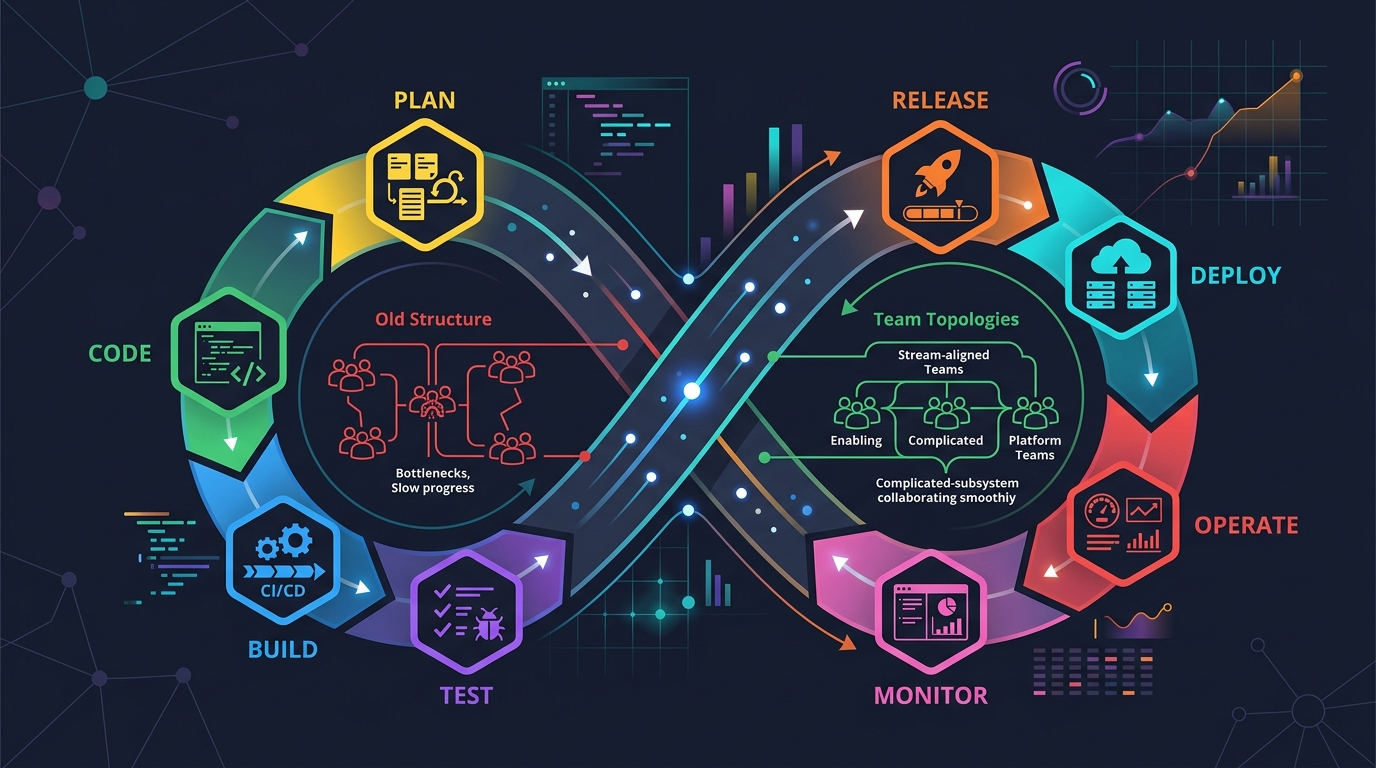
Scrum + Team Topologies: Why Your DevOps Team Structure Might Be Slowing You Down
I spent three years at a company that spent $4 million on “DevOps transformation.” New tools, new cloud infrastructure, training budgets, the works. The velocity of the platform stayed flat....
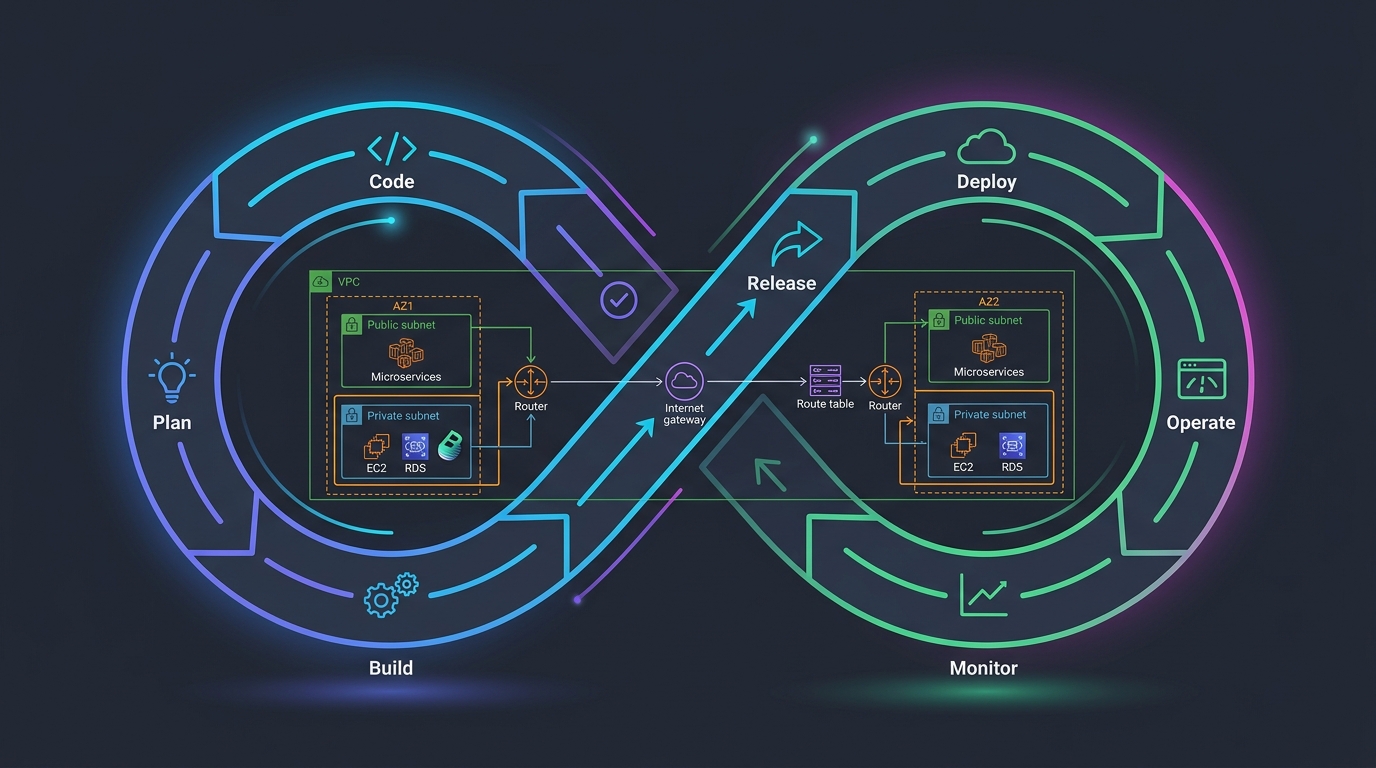
Platform Engineering with Backstage on AWS: A Practical Guide for 2026
I watched a backend engineer spend two hours yesterday trying to figure out which CloudFormation template to use for their new service. They had three options in a Confluence page....
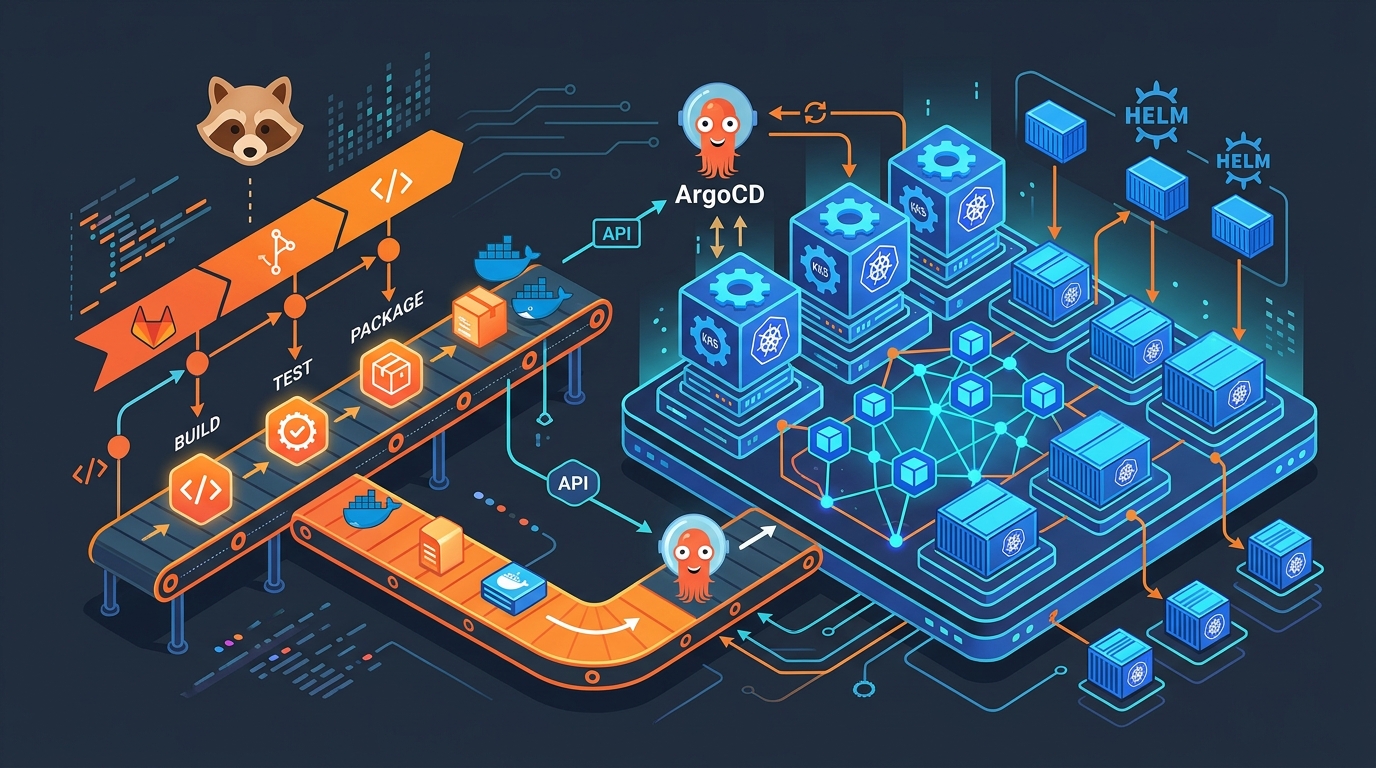
GitLab + ArgoCD: GitOps Deployments on EKS in 2026
I spent three years pushing changes to Kubernetes with kubectl apply inside CI/CD pipelines. Every deployment required cluster credentials in GitLab. Every pipeline failure left the cluster in an unknown...

Comments