
Everything You Need to Know about AWS VPC Endpoint

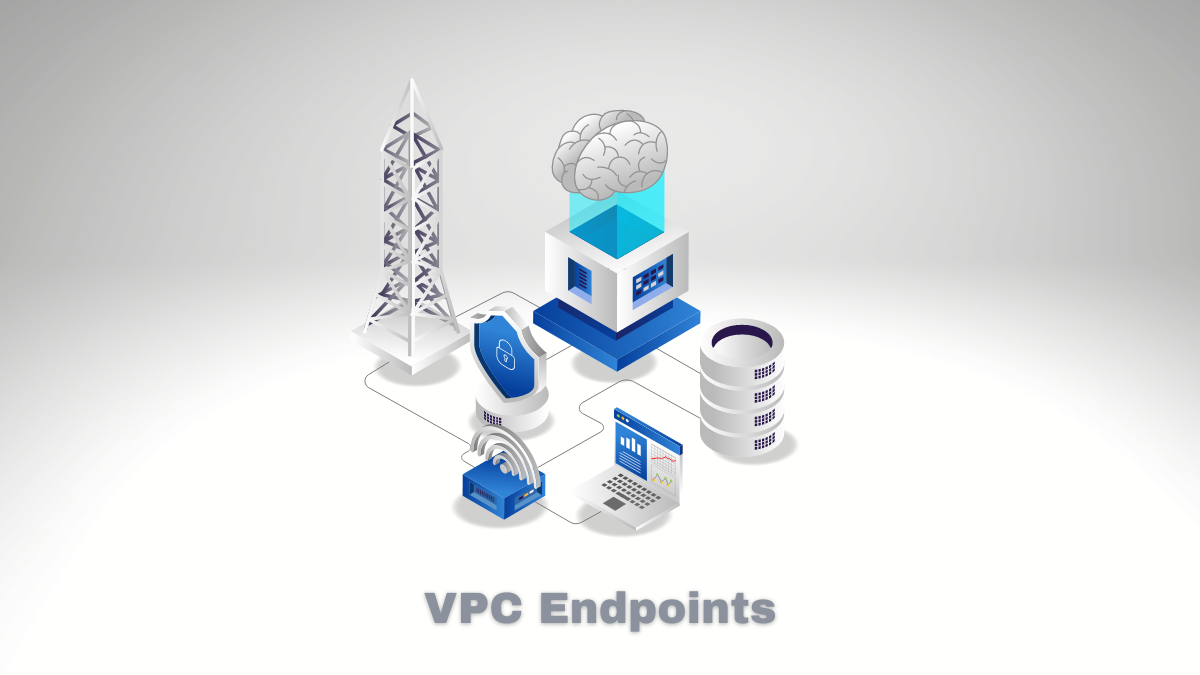
If you’ve ever needed to access AWS services from your VPC without going through the public internet, VPC Endpoints are what you’re looking for. They let your instances reach AWS services like S3, DynamoDB, or EC2 using private IP addresses only. No public IPs needed, no internet gateway required.
There are two flavors: Interface endpoints and Gateway endpoints. I’ll walk you through how they work and when to use which.
What Are VPC Endpoints?
VPC Endpoints are a way to connect your virtual private cloud to AWS services without leaving AWS’s network. Your traffic never hits the public internet.
Interface endpoints are elastic network interfaces with private IPs. Think of them as small network cards that live in your subnets and point to the AWS service you want to reach. They work with a growing list of services and use AWS PrivateLink under the hood.
Gateway endpoints are specifically for S3 and DynamoDB. They sit in your route table as a target for traffic to those services. No network interface needed, just a routing entry.
The key difference: gateway endpoints are free but only work with S3 and DynamoDB. Interface endpoints cost money but work with many more services.
Benefits I Keep Coming Back To
Here’s what I like about VPC Endpoints:
-
Security - Your traffic stays within AWS’s network. No exposure to the public internet means a smaller attack surface.
-
Latency - Traffic doesn’t have to hop through an internet gateway. For latency-sensitive applications, this matters.
-
Cost - For high-volume traffic to S3 or DynamoDB, gateway endpoints are free. Interface endpoints have per-GB and hourly costs, but they can still be cheaper than NAT gateway data processing for some workloads.
-
Simplicity - Once configured, your instances access AWS services the same way they always have. No code changes required.
Supported Services
Gateway endpoints support:
- Amazon S3
- Amazon DynamoDB
Interface endpoints (via AWS PrivateLink) support a much longer list including:
- Amazon EC2
- AWS Lambda
- Amazon ECS / EKS
- AWS Systems Manager
- Amazon SQS / SNS
- AWS Secrets Manager
- Amazon SageMaker
- AWS Glue
- And many more
AWS adds new services regularly, so check the documentation for the current list.
Setting Up Your First VPC Endpoint
Here’s how I usually set these up:
For Interface Endpoints
- Open the VPC console and go to “Endpoints”
- Click “Create endpoint”
- Find your service (for example, com.amazonaws.us-east-1.s3)
- Select your VPC and the subnets where you want the endpoint to live
- Pick a security group that allows HTTPS (port 443) inbound to your instances
- Enable “Private DNS” if you want your existing AWS SDK calls to work without changes
- Click create
After creation, your instances can reach that service at the endpoint’s private IP. No DNS changes needed if you enabled Private DNS.
For Gateway Endpoints
- Same process, but when you select the service, choose “Gateway” as the endpoint type
- Specify which route tables should include the endpoint
- That’s it - AWS adds the routes automatically
The main thing to watch: make sure your security group allows outbound HTTPS. Also, gateway endpoints only work for S3 and DynamoDB in each region.
Infrastructure as Code
If you’re using CloudFormation or Terraform, the setup is cleaner. Here’s a Terraform snippet for an interface endpoint:
resource "aws_vpc_endpoint" "s3_interface" {
  vpc_id            = var.vpc_id
  service_name      = "com.amazonaws.us-east-1.s3"
  vpc_endpoint_type = "Interface"

  subnet_ids = ["subnet-12345", "subnet-67890"]

  security_group_ids = [aws_security_group.vpce_sg.id]
  private_dns_enabled = true
}
The same pattern works for any AWS service that supports interface endpoints.
Managing and Optimizing
A few things I’ve learned running these in production:
Monitor your costs. Interface endpoints have two charge components: an hourly fee (around $0.01/hour in most regions) plus per-GB data processing. Gateway endpoints are free, so if you only need S3 or DynamoDB, use those.
Watch your endpoint limits. AWS allows 10 endpoints per VPC by default. If you need more, you can request an increase.
Lock down access with security groups. Your endpoint should only be accessible from your application subnets. Don’t leave it open to the world.
Use Private DNS. This makes the endpoint invisible to your users—they just use the AWS SDK normally, and the DNS resolution picks the endpoint automatically.
Transit Gateway Integration
If you’re managing multiple VPCs, Transit Gateway lets you set up VPC Endpoint access centrally. Instead of creating endpoints in every VPC, you can route traffic through a central hub. This simplifies management when you have a hub-and-spoke topology.
The Real Talk on Pricing
Here’s what AWS actually charges (as of 2025-2026):
Interface endpoints:
- Hourly rate: ~$0.01 per endpoint per hour (varies by region)
- Data processing: $0.005 per GB in each direction
Gateway endpoints:
- Completely free for S3 and DynamoDB
For most small to medium workloads, gateway endpoints are the obvious choice. For services that only offer interface endpoints, the costs are usually reasonable unless you’re moving terabytes of data.
One gotcha: even unused endpoints cost money. If you create an endpoint and don’t use it, you still pay the hourly fee.
Wrapping Up
VPC Endpoints are one of those features that make you wonder how you ever worked without them. The security benefits alone—keeping your traffic off the public internet—are worth the small setup effort. And since gateway endpoints for S3 and DynamoDB are free, there’s no reason not to use them.
If you’re running workloads in AWS and not using VPC Endpoints for S3 or DynamoDB access, I’d at least test them and see if the latency improvement matters for your use case.
Explore more like this

Supercharging System Scalability with Event-Driven Architectures
Can traditional systems handle the expectations we have now for instant responses and real-time engagement? Imagine a system that reacts immediately to what users do, and can handle thousands or...

How to Configure Docker Rotate Log on Amazon Linux 2
A growing e-commerce company needed to manage logs from its Docker containers on Amazon Linux 2. With thousands of orders processed daily, server logs grew quickly and became hard to...

Introduction to Amazon Timestream Database
If you are working with time-stamped data – sensor readings, log streams, stock prices, that sort of thing – you have probably run into the problem of regular databases not...

Comments