
Platform Engineering with Backstage on AWS: A Practical Guide for 2026

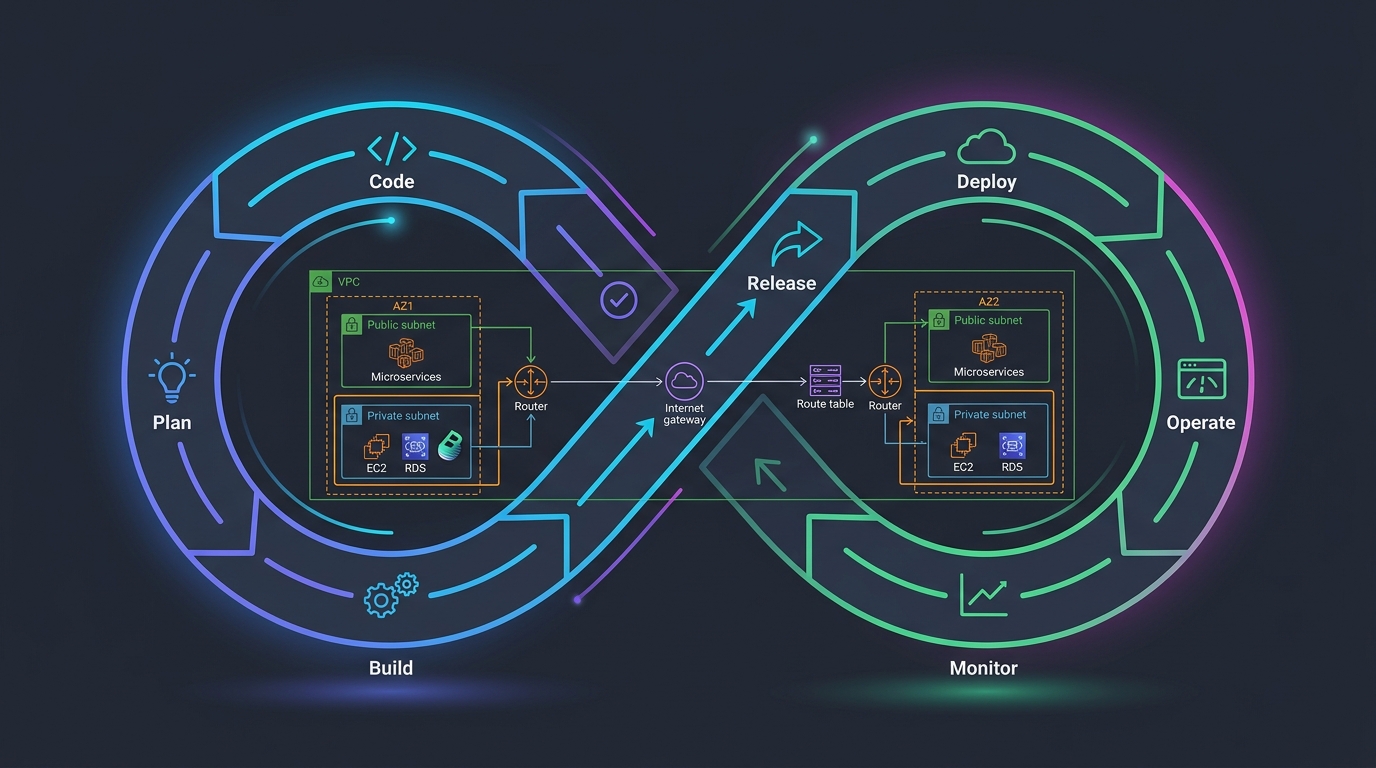
I watched a backend engineer spend two hours yesterday trying to figure out which CloudFormation template to use for their new service. They had three options in a Confluence page. Two were outdated. Nobody had updated the docs since 2024. This is the problem platform engineering solves. Not better DevOps. Not faster deployments. Solving the cognitive load that kills productivity at scale.
Why “DevOps” Stopped Working
For years, we called it DevOps. A developer would write code, throw it over the wall to ops, and ops would figure out infrastructure. Then we realized that was dumb and embedded ops knowledge everywhere. Now every developer is part DevOps, part SRE, part security engineer. We ask junior engineers to understand VPCs, security groups, IAM roles, RDS configuration, and observability patterns before they can ship a feature.
That works fine at five services. At fifty services? You’ve got inconsistent patterns everywhere. Developers copy-pasting from projects from three years ago. Teams reinventing solutions that other teams already solved. The cognitive overhead isn’t efficiency anymore—it’s noise.
Platform engineering is different. Instead of saying “figure it out,” a platform team builds guardrails. They own the template, the golden path, the opinions. Developers use what the platform team blessed and tested. They don’t think about whether to use ECS or Lambda—the platform team decided that for them. They don’t worry if they’ve misconfigured CloudWatch—it’s baked into the template.
Spotify got tired of their engineers fighting infrastructure problems too. That’s why they built Backstage. And after five years of refinement, it graduated into CNCF in 2024. We should probably take that signal seriously.
What Backstage Actually Is
Backstage is an open-source internal developer portal. Think of it like an internal AWS console, except it only shows you the things your company cares about and it’s not overwhelming. It’s a TypeScript application that connects to your infrastructure, your code repos, your deployment systems, and your documentation.
Spotify maintains it. CNCF governs it. Hundreds of companies run it—Shopify, Netflix, Zalando, and smaller shops too. You can run it on ECS, EKS, or even a single VPS if you’re just starting out. It has opinions about how you should organize infrastructure, but you can ignore them and bend it to your needs.
The core value isn’t that it looks pretty. It’s that it becomes the source of truth. One place where developers go to see what services exist, who owns them, how to deploy, where to find docs, and how to create something new.
The Software Catalog Is Where Everything Lives
At the center is the Software Catalog. Every service, library, website, and infrastructure component gets registered as a Backstage Entity. You define it with a catalog-info.yaml file sitting in your repo.
apiVersion: backstage.io/v1alpha1
kind: Component
metadata:
  name: user-service
  description: Handles user authentication and profile management
  annotations:
    github.com/project-slug: mycompany/user-service
    backstage.io/techdocs-ref: dir:.
spec:
  type: service
  lifecycle: production
  owner: group:platform-team
  system: authentication
  consumesApis:
    - oauth-provider-api
  providesApis:
    - user-management-api
  dependsOn:
    - resource:postgres-primary
    - resource:redis-cache
  links:
    - url: https://dashboards.internal/user-service
      title: Service Dashboard
    - url: https://alerts.internal/user-service
      title: Alerts
This file lives in your repo, right next to your code. It defines the component, who owns it, what it depends on, what it provides. Backstage reads it and builds a graph of your entire infrastructure. You can explore it. You can see dependencies. You can run a query like “show me all production services owned by the platform team that depend on Postgres” and get an answer in milliseconds.
The catalog also shows you who owns what. This is crucial. I’ve seen teams at 30+ engineers where nobody knew who owned half the services. You’d reach out on Slack, wait three days, and discover the owner had left six months ago. The Backstage catalog makes that instant. You want to ask about payment-processor? Click it. See it’s owned by the payments team. Send them a message. Problem solved.
Templates: Scaffolding a New Service in Seconds
Templates are where developers’ eyes light up. You click “Create” in Backstage, pick a template (like “New Node.js Backend Service”), answer five questions, and a few seconds later your repo is created, your CI/CD pipeline is configured, your AWS infrastructure is spun up via Terraform, and the service is registered in the catalog.
This is the golden path. The platform team says: “Here’s the approved way to build a service.” Developers use it. No debates. No reinventing. Just ship.
Here’s what a template looks like:
apiVersion: scaffolder.backstage.io/v1beta3
kind: Template
metadata:
  name: nodejs-backend-service
  title: Create a Node.js Backend Service
  description: Creates a new Node.js service with ECS deployment on AWS
spec:
  owner: platform-team
  type: service
  parameters:
    - title: Service Details
      required:
        - serviceName
        - description
        - owner
      properties:
        serviceName:
          type: string
          title: Service Name
          description: The name of your new service (lowercase, hyphens only)
          pattern: '^[a-z0-9][a-z0-9-]*$'
        description:
          type: string
          title: Description
          description: A short description of what your service does
        owner:
          type: string
          title: Owner Team
          description: The team responsible for this service
          enum:
            - platform-team
            - api-team
            - data-team
    - title: AWS Configuration
      required:
        - environment
      properties:
        environment:
          type: string
          title: Initial Environment
          description: Where to deploy this service first
          enum:
            - staging
            - production
  steps:
    - id: fetch-base
      name: Fetch template
      action: fetch:template
      input:
        url: ./skeleton
        values:
          serviceName: ${{ parameters.serviceName }}
          description: ${{ parameters.description }}
          team: ${{ parameters.owner }}
          timestamp: ${{ now() }}

    - id: publish-repo
      name: Publish to GitLab
      action: publish:gitlab
      input:
        repoUrl: gitlab.company.internal?owner=services&repo=${{ parameters.serviceName }}
        gitCommitMessage: 'Initial commit: ${{ parameters.description }}'
        gitAuthorName: 'Backstage'
        gitAuthorEmail: '[email protected]'

    - id: register-catalog
      name: Register in Backstage Catalog
      action: catalog:register
      input:
        repoContentsUrl: ${{ steps['publish-repo'].output.repoContentsUrl }}
        catalogInfoPath: '/catalog-info.yaml'

    - id: create-infrastructure
      name: Create AWS Infrastructure
      action: custom:terraform-apply
      input:
        workingDirectory: ./terraform
        tfVariables:
          service_name: ${{ parameters.serviceName }}
          environment: ${{ parameters.environment }}
          owner: ${{ parameters.owner }}
        awsRegion: us-east-1

  output:
    links:
      - title: 'Repository'
        url: ${{ steps['publish-repo'].output.repositoryUrl }}
      - title: 'Catalog Entry'
        url: 'https://backstage.company.internal/catalog/default/component/${{ parameters.serviceName }}'
      - title: 'GitLab CI Pipeline'
        url: ${{ steps['publish-repo'].output.repositoryUrl }}/-/pipelines
When a developer fills out this template, Backstage copies the skeleton code from your internal template repo, runs some customization, pushes it to GitLab, registers it in the catalog, and kicks off Terraform to create the ECS cluster, RDS instance, and VPC setup.
That’s not magic. That’s just automating the stuff you were doing manually. But from the developer’s perspective? It’s magic. They went from “what’s a CloudFormation template” to “deployed and monitoring” in five minutes.
Documentation That Actually Gets Updated
TechDocs is Backstage’s approach to documentation. You write Markdown files in your repo. Backstage reads them, renders them, and serves them in your developer portal. This solves the biggest problem with documentation: it’s always outdated because it lives somewhere separate from the code.
When I open the docs for a service in Backstage, I know they were last touched when someone pushed to that service’s repo. If they’re three years old, I can see it. I can complain to the team. Documentation in the same repo as code is the only way documentation stays fresh.
# User Service Documentation

## Getting Started

Clone the repo and run:

```bash
npm install
npm run dev
The service starts on http://localhost:3000.
Deployment
This service deploys via ArgoCD on our EKS cluster. Push to the main branch and the deployment pipeline kicks off.
Architecture
User Service handles OAuth flows and user profile management. It stores data in Postgres and caches aggressively in Redis.
See dependency diagram for how it connects to other services.
Monitoring
Logs go to CloudWatch. Dashboards are here.
Alerts fire to Slack #platform-alerts when error rates exceed 1% or latency exceeds 500ms.
Runbook
If the service is down:
- Check the deployment status in ArgoCD
- Review recent logs in CloudWatch
- Check if Postgres or Redis is having issues ```
This lives in the repo. When the service owner updates architecture, they update this doc. It’s not separate work. It’s part of the change.
Plugins: The Escape Hatch
Backstage’s real power is plugins. The core is just a dashboard. Plugins connect it to everything else. AWS, GitHub, GitLab, Datadog, PagerDuty, Slack—there’s a plugin for it.
Some are official. Some the community built. You can write your own.
AWS plugins exist for Cost Explorer (show spend per service), ECS (deploy to a cluster), CloudWatch (show logs and metrics), and more. There’s also a plugin for Terraform that lets you trigger and monitor runs directly from Backstage.
If you want to show your company’s expense reports next to each service, you can build a plugin. If you want to trigger a Lambda from Backstage, build a plugin. If you want to integrate with your internal tool that nobody else has heard of, build a plugin.
Plugins are TypeScript React components. The learning curve is real, but the ecosystem is good. Most companies end up writing two or three custom plugins before settling into the official ones.
Hosting Backstage on AWS
You’re not running this on your laptop. Let’s talk about deploying it to AWS.
The simplest way is ECS Fargate. Backstage is a Node.js application. It needs a database (PostgreSQL). You need a load balancer to sit in front of it.
# Terraform for Backstage on ECS Fargate

resource "aws_ecs_cluster" "backstage" {
  name = "backstage"

  setting {
    name  = "containerInsights"
    value = "enabled"
  }
}

resource "aws_rds_cluster" "backstage_db" {
  cluster_identifier      = "backstage-db"
  engine                  = "aurora-postgresql"
  engine_version          = "15.2"
  database_name           = "backstage"
  master_username         = "backstage"
  master_password         = random_password.db_password.result
  backup_retention_period = 7
  skip_final_snapshot     = false

  db_subnet_group_name            = aws_db_subnet_group.backstage.name
  db_cluster_parameter_group_name = aws_rds_cluster_parameter_group.backstage.name
  vpc_security_group_ids          = [aws_security_group.backstage_db.id]
}

resource "aws_ecs_task_definition" "backstage" {
  family                   = "backstage"
  network_mode             = "awsvpc"
  requires_compatibilities = ["FARGATE"]
  cpu                      = "512"
  memory                   = "1024"
  execution_role_arn       = aws_iam_role.backstage_ecs_task_execution_role.arn
  task_role_arn            = aws_iam_role.backstage_ecs_task_role.arn

  container_definitions = jsonencode([
    {
      name      = "backstage"
      image     = "backstage:latest"
      essential = true

      portMappings = [
        {
          containerPort = 3000
          hostPort      = 3000
          protocol      = "tcp"
        }
      ]

      environment = [
        {
          name  = "NODE_ENV"
          value = "production"
        },
        {
          name  = "BACKSTAGE_BASE_URL"
          value = "https://backstage.company.internal"
        }
      ]

      secrets = [
        {
          name      = "DB_HOST"
          valueFrom = aws_secretsmanager_secret.backstage_db_host.arn
        },
        {
          name      = "DB_USER"
          valueFrom = "${aws_secretsmanager_secret.backstage_db_user.arn}:username::"
        },
        {
          name      = "DB_PASSWORD"
          valueFrom = "${aws_secretsmanager_secret.backstage_db_password.arn}:password::"
        },
        {
          name      = "GITHUB_TOKEN"
          valueFrom = aws_secretsmanager_secret.github_token.arn
        }
      ]

      logConfiguration = {
        logDriver = "awslogs"
        options = {
          "awslogs-group"         = aws_cloudwatch_log_group.backstage.name
          "awslogs-region"        = data.aws_region.current.name
          "awslogs-stream-prefix" = "ecs"
        }
      }
    }
  ])
}

resource "aws_ecs_service" "backstage" {
  name            = "backstage"
  cluster         = aws_ecs_cluster.backstage.id
  task_definition = aws_ecs_task_definition.backstage.arn
  desired_count   = 2
  launch_type     = "FARGATE"

  network_configuration {
    subnets          = aws_subnet.private.*.id
    security_groups  = [aws_security_group.backstage_ecs.id]
    assign_public_ip = false
  }

  load_balancer {
    target_group_arn = aws_lb_target_group.backstage.arn
    container_name   = "backstage"
    container_port   = 3000
  }

  depends_on = [aws_lb_listener.backstage]
}

resource "aws_lb" "backstage" {
  name               = "backstage-alb"
  internal           = false
  load_balancer_type = "application"
  security_groups    = [aws_security_group.backstage_alb.id]
  subnets            = aws_subnet.public.*.id
}

resource "aws_lb_target_group" "backstage" {
  name        = "backstage-tg"
  port        = 3000
  protocol    = "HTTP"
  vpc_id      = aws_vpc.main.id
  target_type = "ip"

  health_check {
    healthy_threshold   = 2
    unhealthy_threshold = 2
    timeout             = 3
    interval            = 30
    path                = "/"
    matcher             = "200"
  }
}

resource "aws_lb_listener" "backstage" {
  load_balancer_arn = aws_lb.backstage.arn
  port              = 443
  protocol          = "HTTPS"
  ssl_policy        = "ELBSecurityPolicy-TLS-1-2-2017-01"
  certificate_arn   = aws_acm_certificate.backstage.arn

  default_action {
    type             = "forward"
    target_group_arn = aws_lb_target_group.backstage.arn
  }
}
If you’re already running EKS, deploy it there. If you’re a startup, ECS Fargate is simpler. Either way, you need persistent storage for the database. Don’t use RDS single-AZ unless this is just for internal testing. Use Aurora with Multi-AZ failover.
Authentication: Use OAuth, Don’t Roll Your Own
Backstage needs to know who users are. GitHub OAuth and GitLab OAuth are the standard. Don’t build custom authentication. Don’t use basic auth. Don’t make this hard.
# app-config.yaml snippet

auth:
  environment: production
  providers:
    gitlab:
      development:
        clientId: ${GITLAB_CLIENT_ID}
        clientSecret: ${GITLAB_CLIENT_SECRET}
        audience: https://gitlab.company.internal
      production:
        clientId: ${GITLAB_CLIENT_ID}
        clientSecret: ${GITLAB_CLIENT_SECRET}
        audience: https://gitlab.company.internal

backend:
  auth:
    keys:
      - secret: ${BACKEND_SECRET}
  database:
    client: pg
    connection:
      host: ${DB_HOST}
      port: 5432
      user: ${DB_USER}
      password: ${DB_PASSWORD}
      database: backstage

catalog:
  locations:
    - type: url
      target: https://gitlab.company.internal/api/v4/groups/services/-/repos?search=catalog-info
      rules:
        - allow:
            - Component
            - System
            - Domain
            - Group
            - User
            - Resource

  providers:
    gitlab:
      provider:
        clientId: ${GITLAB_CLIENT_ID}
        clientSecret: ${GITLAB_CLIENT_SECRET}
        baseUrl: https://gitlab.company.internal
        token: ${GITLAB_TOKEN}
When a developer logs in with their GitLab account, Backstage knows who they are. It reads their team membership from GitLab. They only see what they have access to. Simple. Secure. Works.
The Golden Path: Where It Actually Matters
I want to tell you about the first time I watched someone use Backstage’s golden path template.
New engineer, second day on the job. She’d been through onboarding. She knew the company used AWS, ECS, and Node.js. But she didn’t know how. She didn’t know the conventions. She didn’t know which team owned what.
She opened Backstage. She looked for a way to create a new service. She found the template. She filled out five fields. Name, description, owner, database type, feature flags. She hit create.
Thirty seconds later: her repo existed. The CI/CD pipeline was configured. She could see the Terraform plan that would create her ECS task definition, security groups, RDS instance, and load balancer. It was all there. Waiting for approval.
She asked me, “Is that it? Can I just push code now?”
Yes. That’s it. No hunting through Confluence. No copying from a three-year-old project. No guessing if you configured IAM correctly. The platform team blessed the template. It worked. She ships.
That’s the real win. Not a prettier dashboard. Not better monitoring. The cognitive load dropped from “how do I even start” to “click template and go.”
A month later? Her service was running. It had metrics. It had logs. It could scale. She’d never manually configured an AWS resource. The platform team had built that so she didn’t have to.
The golden path is the entire point. Everything else is infrastructure.
Measuring Success: DORA Metrics Actually Matter
Don’t deploy Backstage and hope something good happens. Measure it.
DORA metrics track four things: deployment frequency, lead time for changes, mean time to recovery, and change failure rate. Backstage directly impacts the first three.
If you’re deploying services once a month and it takes two weeks of work to set up infrastructure, Backstage can change that. Deployment frequency goes up. Lead time drops. Time to recover from incidents falls because onboarding a new service doesn’t take weeks anymore.
Track how many people use the golden path. Track how many custom implementations exist outside the path. If half your services aren’t following the standard, something’s wrong with the template. Make it better or stop enforcing it.
Track onboarding time. Before Backstage, how long did it take a new engineer to ship their first service? Measure it after. If it didn’t drop, you did something wrong.
Track adoption of TechDocs. Are people reading the docs that live in Backstage? Or are they hunting Confluence? If they’re hunting Confluence, your TechDocs aren’t good enough.
The numbers don’t lie. Backstage is working if your metrics move. It’s not working if they don’t.
The Honest Assessment
Backstage has a brutal learning curve. It’s TypeScript. It’s React. It’s Kubernetes-level complexity. If your platform team doesn’t know TypeScript, you’re looking at months of ramp-up time before you can customize anything.
The core installation works. The templates work. The catalog works. That’s solid. But the moment you want something custom, you’re writing plugins. And plugins are TypeScript. React. Backstage-specific patterns. It’s not simple.
Backstage is a long-term investment. You’re not deploying this for a quick win. You’re deploying it because you’re going to have a hundred services and you need a way to manage them. You’re deploying it because you want engineers from different teams to understand what each other built and how to use it. You’re deploying it because onboarding is broken and this fixes it.
It requires commitment from leadership. It requires a platform team that actually owns the golden path and maintains it. If you deploy Backstage and don’t maintain it, templates become outdated, documentation becomes stale, and engineers stop using it. You’ve wasted money.
The catalog is only useful if people keep it updated. That means discipline. It means requiring catalog-info.yaml files in every repo. It means writing custom policies that prevent deployments if the catalog entry is missing. It means treating the catalog like code and managing it with the same rigor.
Get these details wrong and Backstage becomes a beautiful but useless portal. Get them right and it becomes the source of truth for your entire organization.
Tying It Together: A Real Architecture
Let’s say you’re running twenty services on AWS. Half are Node.js. Half are Python. You’ve got three teams. Everyone’s doing their own thing. Your AWS bill is a mess. Security hasn’t approved half your infrastructure because it doesn’t follow standards.
You deploy Backstage. You create a golden path template for Node.js services and another for Python. You connect it to your GitLab instance and your AWS account. You write policies that require every service to have a catalog-info.yaml file and tie it to your CI/CD pipeline.
New services now follow the template. Old services register in the catalog. When a service owner updates their architecture, they update TechDocs. When someone wants to know what Redis instances exist in production, they query the catalog.
You set up the ArgoCD Backstage plugin so the entire deployment pipeline is visible. When someone pushes code, the GitLab CI pipeline runs and the GitLab runners execute the deployment. Backstage shows the status of everything.
Infrastructure as code isn’t new. Neither is a source of truth. But Backstage makes them visible. It makes them accessible. It makes them the path of least resistance.
That’s platform engineering. That’s where 2026 is going.
Start Small
You don’t need fifty plugins. You don’t need custom scaffolders. Deploy Backstage. Register your services. Write TechDocs. Create one golden path template. Live with it for a quarter. Then iterate.
The platform team’s job is to make the right choice the easy choice. Backstage is the tool that enforces that. Use it.
Explore more like this
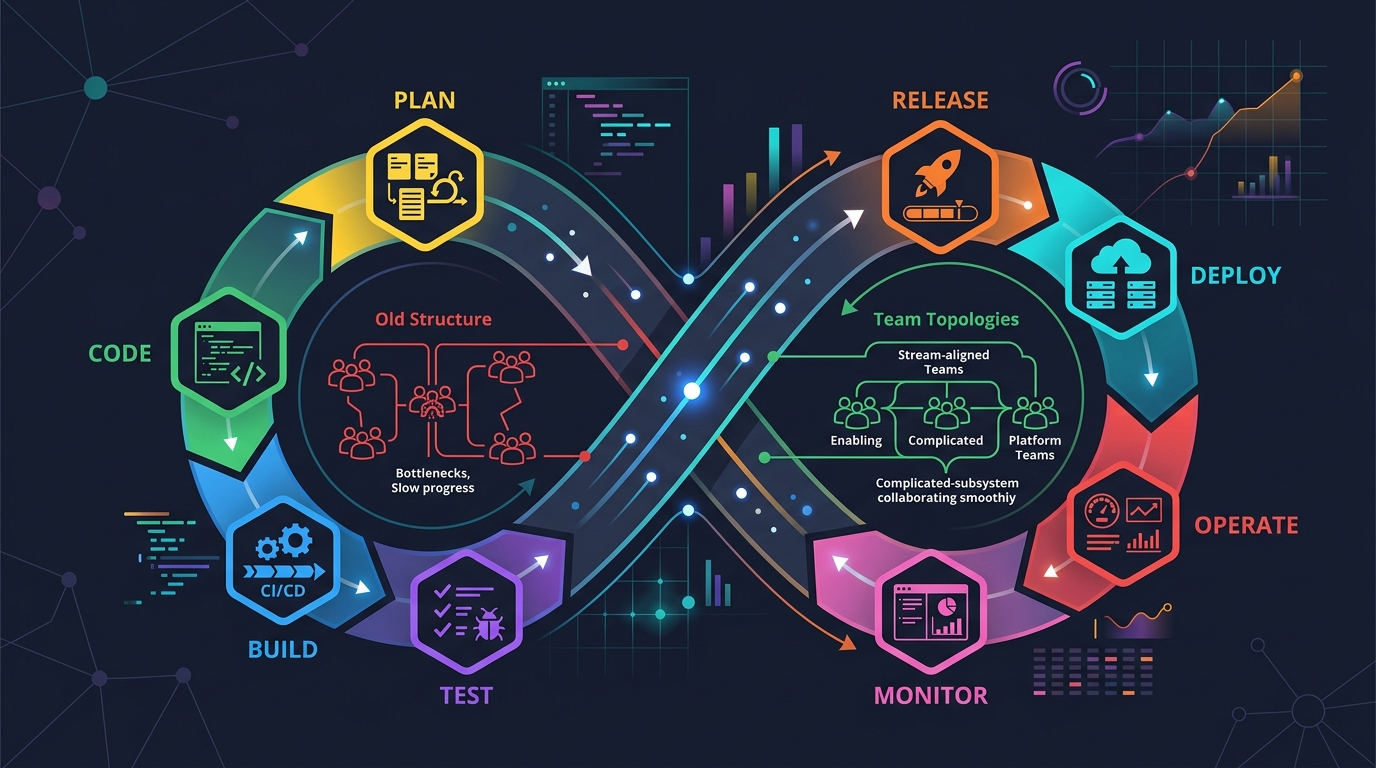
Scrum + Team Topologies: Why Your DevOps Team Structure Might Be Slowing You Down
I spent three years at a company that spent $4 million on “DevOps transformation.” New tools, new cloud infrastructure, training budgets, the works. The velocity of the platform stayed flat....

AWS VPC Design Patterns in 2026: From Single Account to Multi-Account Landing Zone
The VPC decisions you make on day one will follow you for years. I’ve lived through the consequences—redesigning a network that was built without proper CIDR planning, watching a simple...
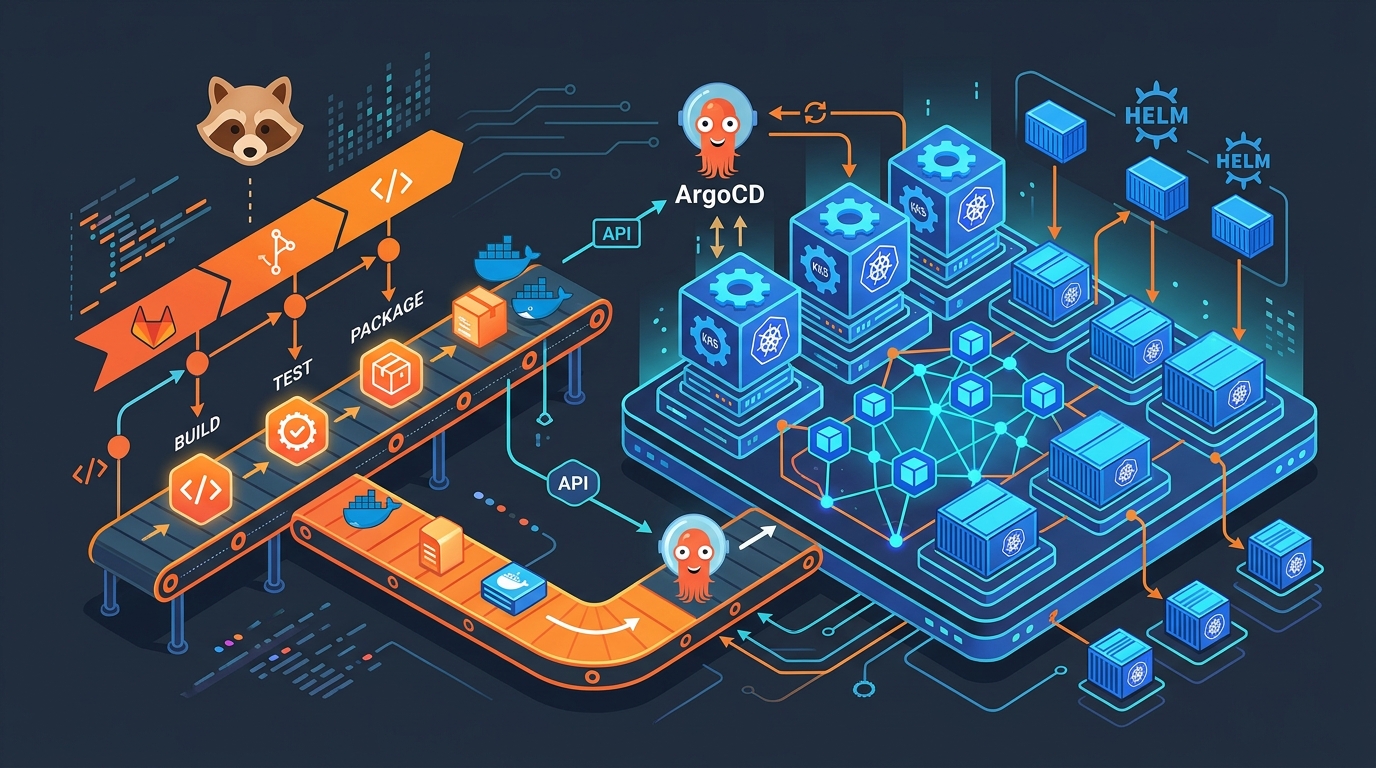
GitLab + ArgoCD: GitOps Deployments on EKS in 2026
I spent three years pushing changes to Kubernetes with kubectl apply inside CI/CD pipelines. Every deployment required cluster credentials in GitLab. Every pipeline failure left the cluster in an unknown...

Comments