
MiniStack: LocalStack Went Paid, Here Is the Free Replacement

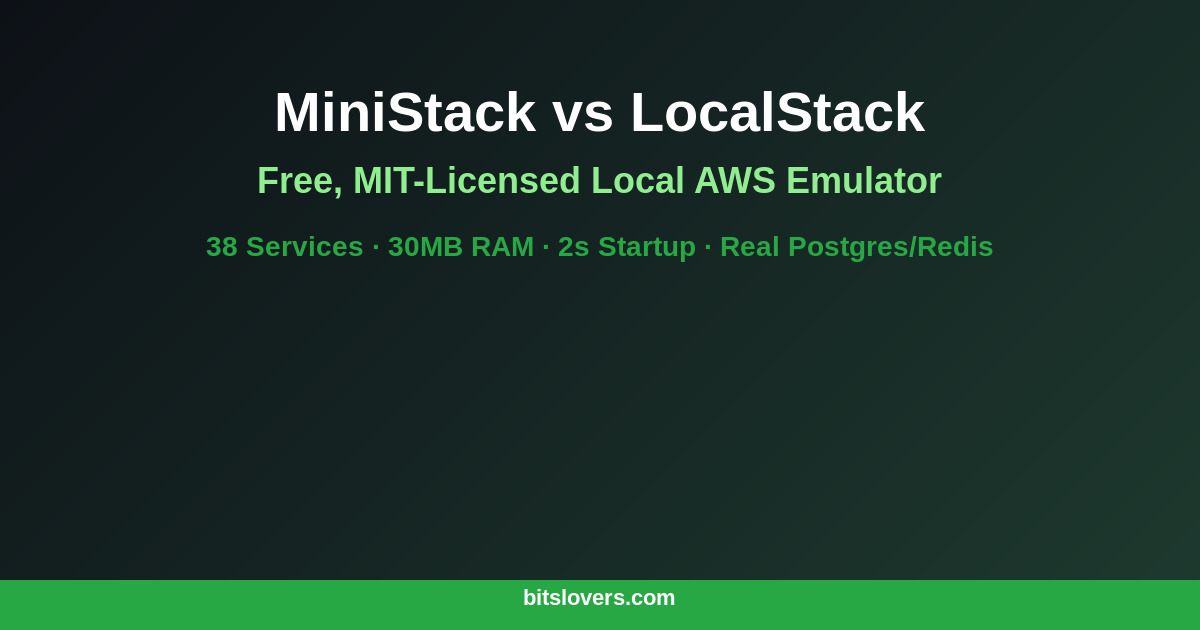
LocalStack built something genuinely useful. A local emulator for AWS services that let you test Lambdas, S3 buckets, SQS queues, and DynamoDB tables without touching a real AWS account. For years, the Community edition covered enough to make local development practical and kept CI pipelines from hitting real infrastructure during test runs.
Then they moved core features behind a paid tier.
The pricing isn’t outrageous — roughly $35/month for an individual developer — but it broke a lot of CI pipelines that depended on the free version. Organizations running LocalStack in automated test suites needed to provision and manage licenses. Teams using it in ephemeral Docker-based environments needed to handle credential injection. The move made sense for LocalStack as a business; it made considerably less sense for open-source projects and teams running pipelines that execute thousands of times per month.
MiniStack is the response. MIT licensed, no account required, no telemetry, free forever. Version 1.0.7 shipped in March 2026, covering 38 AWS services with a footprint that makes LocalStack’s resource usage look excessive.
What MiniStack Actually Is
MiniStack is a local AWS emulator that exposes services on port 4566 — the same default port as LocalStack. That port compatibility means you can often swap it into existing setups without touching your endpoint configuration. The AWS CLI, SDK calls, and Terraform all route to it the same way they route to LocalStack.
The differentiator isn’t just the price. MiniStack doesn’t mock everything. When you provision an RDS instance with engine=postgres, MiniStack starts an actual Postgres Docker container and returns the real host and port. ElastiCache spins up a real Redis instance. Athena queries run against DuckDB. ECS task creation launches real Docker containers.
This distinction matters more than it sounds. Mocked databases lie. They return success when a real database would reject a constraint violation. They don’t have the query planner behavior of a real engine. They don’t enforce foreign keys. If your tests pass against a fake Postgres, all you’ve proven is that your code can talk to a fake. The GitLab CI service container approach for database testing solves the same problem differently; MiniStack provides one emulator that handles all AWS services including the actual database engines behind the database service calls.
The Resource Footprint
The comparison to LocalStack Community is stark enough that it’s worth putting in a table:
| MiniStack | LocalStack Community | |
|---|---|---|
| Docker image size | ~200 MB | ~1 GB |
| RAM at idle | ~30 MB | ~500 MB |
| Startup time | Under 2 seconds | 15–30 seconds |
| License | MIT | BSL / paid tiers |
| Services | 38 | 80+ |
The startup time difference alone changes how usable it is in CI. A 2-second startup lets you run ministack at the beginning of a test job and not notice it. A 30-second startup adds meaningful pipeline time across hundreds of runs per day.
The 30 MB idle RAM footprint matters on shared GitLab runners where multiple jobs run in parallel. Tagging runners correctly to control resource allocation is one piece of the puzzle; the other is ensuring each service your tests depend on doesn’t consume 500 MB just to sit there between test cases.
Getting Started
Three ways to run it. The simplest:
pip install ministack
ministack
Docker is the better choice for CI pipelines — no Python dependency, consistent environment:
docker run -d -p 4566:4566 nahuelnucera/ministack
Docker Compose for persistent local development:
version: '3.8'
services:
  ministack:
    image: nahuelnucera/ministack
    ports:
      - "4566:4566"
    environment:
      - GATEWAY_PORT=4566
    volumes:
      - ministack-data:/var/lib/ministack
    healthcheck:
      test: ["CMD", "curl", "-f", "http://localhost:4566/_ministack/health"]
      interval: 5s
      timeout: 3s
      retries: 10

volumes:
  ministack-data:
Wait for the health check before running tests:
until curl -sf http://localhost:4566/_ministack/health; do
  sleep 1
done
Configure the AWS CLI to point at it:
aws configure set aws_access_key_id test
aws configure set aws_secret_access_key test
aws configure set region us-east-1

# Test it
aws --endpoint-url=http://localhost:4566 s3 mb s3://test-bucket
aws --endpoint-url=http://localhost:4566 s3 ls
Set AWS_ENDPOINT_URL=http://localhost:4566 as an environment variable and most AWS SDK calls will pick it up automatically without modifying code.
Terraform Integration
MiniStack is fully Terraform compatible. Override endpoints in your provider configuration:
provider "aws" {
  region                      = "us-east-1"
  access_key                  = "test"
  secret_key                  = "test"
  skip_credentials_validation = true
  skip_metadata_api_check     = true
  skip_requesting_account_id  = true

  endpoints {
    s3         = "http://localhost:4566"
    sqs        = "http://localhost:4566"
    dynamodb   = "http://localhost:4566"
    lambda     = "http://localhost:4566"
    iam        = "http://localhost:4566"
    secretsmanager = "http://localhost:4566"
    eventbridge    = "http://localhost:4566"
  }
}
This integrates naturally with the IaC pipeline patterns in GitLab CI and Terraform. Run terraform validate and terraform plan against MiniStack in CI before letting changes reach your real AWS environment. Use a separate job stage for MiniStack integration tests, then gate production apply on those tests passing. The Terraform testing guide covers how to structure those stages in detail.
Multi-tenancy works via 12-digit access key IDs — each unique key is treated as a separate account. For isolated test environments per suite, configure a different access key per test suite without running multiple MiniStack instances.
Services: What’s Covered and What’s Not
The 38 services as of v1.0.7 cover the most common use cases:
Core infrastructure: S3, SQS, SNS, DynamoDB, Lambda, IAM, STS, Secrets Manager, CloudWatch Logs, CloudWatch Metrics, SSM Parameter Store, EventBridge, Kinesis.
Extended: SES, ACM, WAF v2, Step Functions, EC2, RDS (actual Postgres/MySQL containers), ECS (real Docker containers), ElastiCache (real Redis), Athena (real DuckDB queries), and more.
Lambda runtimes: Python and Node.js run in warm worker pools for fast invocation. The provided.al2023 runtime uses Docker RIE (Runtime Interface Emulator) to approximate the Lambda execution environment.
The gap compared to LocalStack’s 80+ services matters for some teams. If you’re using AppSync, Cognito, Kinesis Firehose, or some of the more specialized AWS services in your test suite, MiniStack may not cover them yet. Check the project repository for the current supported list before committing to migration.
Lambda Function Testing
MiniStack handles basic Lambda test scenarios well. Create and invoke a function:
# Package your function
zip function.zip handler.py

# Create it
aws --endpoint-url=http://localhost:4566 lambda create-function \
  --function-name my-function \
  --runtime python3.11 \
  --role arn:aws:iam::000000000000:role/lambda-role \
  --handler handler.lambda_handler \
  --zip-file fileb://function.zip

# Invoke it
aws --endpoint-url=http://localhost:4566 lambda invoke \
  --function-name my-function \
  --payload '{"key": "value"}' \
  response.json

cat response.json
Cold start behavior differs from real Lambda because MiniStack uses worker pools rather than on-demand execution environments. If your code has cold start initialization logic that matters for your tests, validate it separately against real Lambda.
Where MiniStack Is in Its Maturity
MiniStack is v1.x. LocalStack has years of production use and thousands of issues filed and fixed. Edge cases will surface — services behaving differently from real AWS, error responses with wrong HTTP codes, IAM enforcement that’s more permissive than AWS proper.
That’s a real tradeoff. For most teams writing unit and integration tests that need an AWS-like environment, the covered services work correctly and the edge cases don’t matter. For teams testing complex IAM policies, specific error handling paths, or service behaviors under unusual conditions, the immaturity of MiniStack may surface at the wrong moment.
LocalStack Pro is still the more complete solution if your team has the budget and needs the coverage. MiniStack is the answer for open-source projects, for CI pipelines running at high volume, and for teams where the licensing cost outweighs the completeness tradeoff.
If your local development workflow also involves real AWS resources alongside mocked ones — real Secrets Manager for production credentials, MiniStack for everything else in tests — the patterns for managing that separation in your environment configuration are worth thinking through before you migrate.
The switch is straightforward if LocalStack is your current setup. Change the Docker image, keep port 4566, and most things just work.
Explore more like this

Aurora Serverless v2 + Bedrock: AI Database Queries in 2026
I connected Bedrock to our Aurora cluster last month. The first thing I asked it was “show me all customers who churned in Q1 but came back in Q2” —...

Terraform State Locking with S3 and DynamoDB in 2026
The moment two engineers run terraform apply at the same time without state locking, you have a race condition that can corrupt your entire infrastructure state. Both processes read the...

GitLab CI Environments and Review Apps in 2026
Review apps changed how my team does code review. Instead of reading diffs, reviewers click a link and see the actual change running. The designer can verify spacing on the...

Comments