
Terraform + MCP: AI Agents Managing Infrastructure in 2026

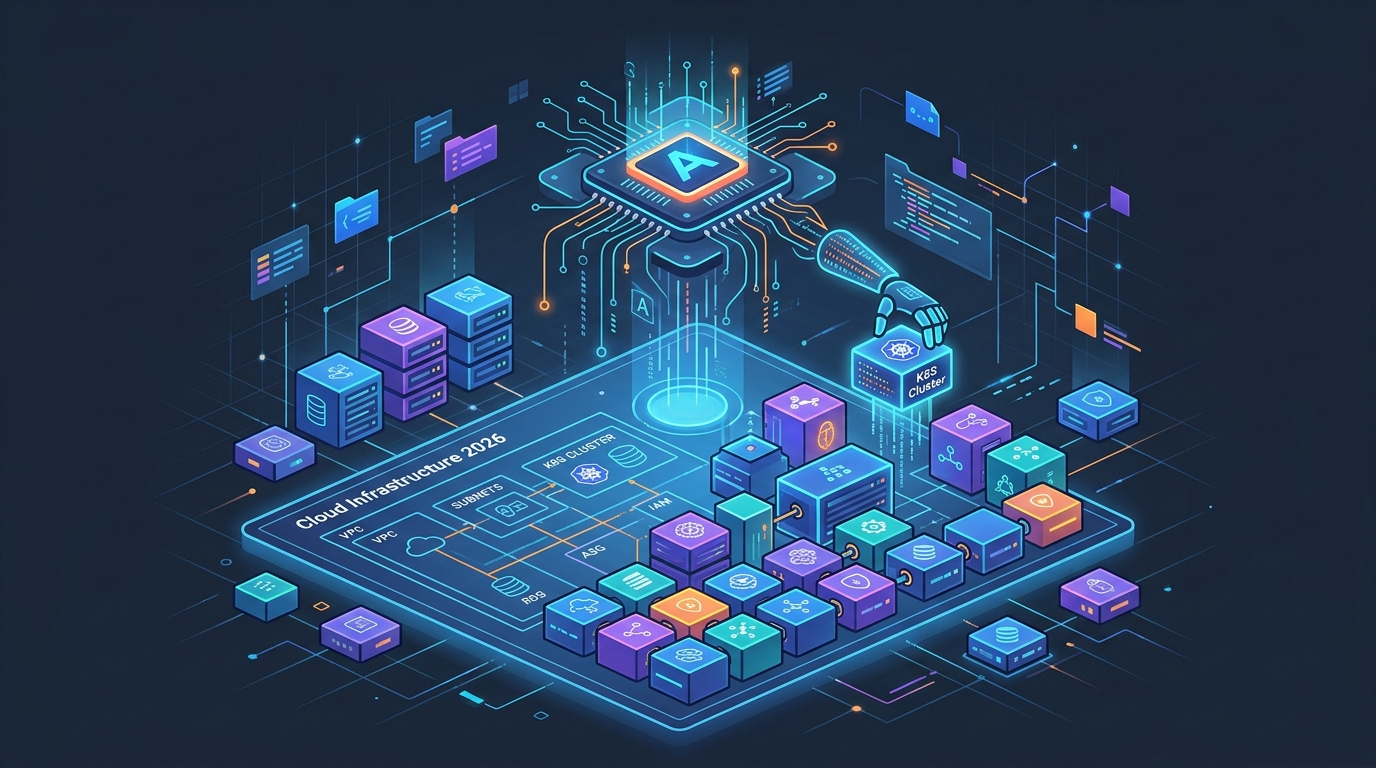
I’ve been using Terraform MCP for three months now, and it’s the most significant shift in how I interact with infrastructure since Terraform itself. That’s not hyperbole. I can ask an AI agent “what happens to network latency if I resize the RDS instance in production?” and get a plan back that I can review, approve, and apply—without opening a terminal. I’m not saying that replaces deep Terraform knowledge. I’m saying the tool loop got dramatically shorter.
Let me show you how it works.
What MCP Is and Why It Matters for Infrastructure
MCP stands for Model Context Protocol. It’s an open standard—Anthropic published the spec, but it’s not proprietary—that defines how AI models communicate with external tools and data sources. Think of it as a structured API that lets a language model reach out to external systems instead of being trapped inside its context window.
Before MCP, integrating an AI assistant with something like Terraform required brittle shell integrations, custom prompts that described the CLI, or just hoping the model had been trained on your specific version of the tool. It worked badly. The model would hallucinate flags, miss version differences, or generate HCL that was technically valid but wrong for your specific setup.
MCP changes the integration contract. Instead of describing the tool in a system prompt, you run an MCP server—a small process that exposes structured tools—and the model calls those tools directly. The model asks “list workspaces in this organization,” the MCP server executes the API call, and returns structured JSON. No guessing. No hallucinations about CLI flags that don’t exist. Real data.
For infrastructure specifically, this matters because:
- State files are real: the model sees your actual resources, not documentation examples
- Plans are grounded: the model proposes changes based on your actual configuration
- Errors are specific: when something fails, the model gets the real error, not an approximation
HashiCorp shipped the official Terraform MCP server in early 2026. It exposes the Terraform Registry, HCP Terraform workspace operations, and state queries as structured tools. That’s what we’re using here.
How the Terraform MCP Server Works
The Terraform MCP server runs as a local process that connects to the Terraform Registry and HCP Terraform APIs. It exposes three categories of tools to the AI model:
Registry tools: Search providers, browse modules, fetch documentation, look up resource schemas. When you ask “what arguments does the aws_rds_instance resource accept?” the model calls the registry tool, not its training data. You get current documentation, not what was true in 2023.
Workspace tools: List workspaces, trigger plan runs, trigger apply runs, read run outputs. This is where the AI agent starts doing real work against real infrastructure.
State tools: Query current state, list resources by type, get resource attributes. You can ask “what RDS instances are running in production?” and get actual current state, not a guess.
The server communicates over stdio using the MCP protocol. Your AI client—Claude Code, VS Code with the right extension, or any MCP-compatible client—starts the server process and calls tools through it.
Setting It Up
You need Node.js 18+ and an HCP Terraform API token. If you’re on a local Terraform setup without HCP, the registry tools still work; the workspace and state tools require HCP Terraform.
Install the server:
npm install -g @hashicorp/terraform-mcp-server
Add it to your Claude Code configuration (~/.claude/mcp.json or your project-level .mcp.json):
{
  "mcpServers": {
    "terraform": {
      "command": "terraform-mcp-server",
      "args": ["stdio"],
      "env": {
        "TFC_TOKEN": "your-hcp-terraform-token"
      }
    }
  }
}
For VS Code with the Claude extension, add the same block to your VS Code MCP configuration. Restart the client. The Terraform tools will appear available in your AI session.
Verify it’s working by asking a basic question: “What Terraform providers are available for Azure?” The model should call the registry search tool and return current results, not something from its training set.
For teams, you’ll want to manage the token through a secrets manager rather than hardcoding it in config. Store it in AWS Parameter Store and pull it at shell initialization:
# In your shell profile or .envrc
export TFC_TOKEN=$(aws ssm get-parameter \
  --name "/platform/hcp-terraform-token" \
  --with-decryption \
  --query "Parameter.Value" \
  --output text)
Practical Use Cases
This is where it gets real. Three scenarios I use daily.
“Show me all resources in production”
Before Terraform MCP, answering this question meant running terraform show or going to the HCP Terraform UI and clicking through each workspace. Now:
“List all resources in the production workspace, grouped by resource type.”
The model calls the state query tool, gets the current state, and returns a structured summary. RDS instances, EC2 instances, S3 buckets, security groups—organized and readable. If I want to drill deeper:
“What are the current attribute values for the RDS instance in production? I’m specifically interested in instance class, allocated storage, and multi-AZ setting.”
The model calls the state tool with a specific resource filter and returns the actual current values from state. This is useful before incidents, before capacity planning, before making any change.
“Plan a change to the VPC”
You want to add a private subnet to an existing VPC. Instead of writing HCL from scratch, opening a terminal, and running terraform plan:
“I need to add a private subnet in us-east-1b to the production VPC. The existing subnets use a /24 CIDR scheme. Write the Terraform configuration and show me what the plan would look like.”
The model calls the registry tools to get the current aws_subnet resource schema, checks the state tools to see what CIDR blocks are already in use, generates the HCL, and then—if you give it workspace access—triggers a plan run in HCP Terraform and returns the output.
You review the plan. You see what’s changing. You decide whether to apply.
Here’s an example of what the generated configuration looks like before the plan runs:
resource "aws_subnet" "private_us_east_1b" {
  vpc_id            = aws_vpc.main.id
  cidr_block        = "10.0.4.0/24"
  availability_zone = "us-east-1a"

  tags = {
    Name        = "production-private-us-east-1b"
    Environment = "production"
    ManagedBy   = "terraform"
    CreatedBy   = "platform-team"
  }
}
The model pulled the existing CIDR allocations from state, found the next available /24, and generated correct HCL. I still review and approve. But I didn’t have to write it from scratch.
“What happens if I resize the RDS instance?”
This is a question I used to answer by reading AWS documentation and making educated guesses. Now:
“The production RDS instance is currently db.t3.large. If I resize it to db.r6g.xlarge, what would the plan show? What’s the expected downtime?”
The model calls the state tool to get the current instance configuration, queries the registry for the aws_db_instance resource schema to understand which changes force replacement versus in-place modification, and generates a plan. It also queries the registry documentation to answer the downtime question based on the current engine version and multi-AZ configuration.
The answer is grounded in your actual setup, not a generic AWS answer. That’s the difference.
AI Agent Workflows: Review → Plan → Apply
The pattern that’s emerging across platform engineering teams is review → plan → apply with a human in the loop at each stage. Not autonomous. Not hands-off. Assisted.
Here’s a real workflow for handling a capacity increase request:
1. Receive request: "Need more CPU on the API servers"

2. Agent reviews current state:
   - Queries production workspace for current ECS task definitions
   - Checks current CPU/memory allocations
   - Looks at CloudWatch metrics if integrated

3. Agent proposes change:
   - Generates Terraform diff for new CPU/memory values
   - Explains what will change and what will stay the same
   - Notes that ECS will do a rolling deployment with zero downtime

4. Human reviews:
   - Reads the proposed HCL change
   - Reads the plan output
   - Checks the cost estimate if your workflow includes it

5. Human approves: "Run the plan and show me the output"

6. Agent triggers plan run in HCP Terraform:
   - Calls the workspace tool to trigger a plan
   - Waits for completion
   - Returns the plan output for final review

7. Human approves apply: "Looks good, apply it"

8. Agent triggers apply:
   - Calls the workspace tool to trigger the apply
   - Returns apply output
   - Confirms completion
The agent never applies without explicit human approval. The workflow is clear about what each stage does. The human stays in control of what actually changes in production.
This is different from autonomous infrastructure agents. Those exist. I’m not recommending them for production. The review → plan → apply model keeps the velocity benefit of AI assistance without removing the human judgment that matters.
Security Considerations
This is where most teams get uncomfortable, and rightfully so.
Read-only vs. write access: Start with read-only. Give the MCP server a token scoped to read state and trigger plans, but not apply. Make apply a separate, explicit action. This limits the blast radius if something goes wrong—either through model error or compromised tooling.
HCP Terraform lets you create team tokens with specific permissions. Create a dedicated team for AI-assisted operations with plan permissions only, and a separate human-controlled token with apply permissions.
Audit trails: Every operation through the MCP server that touches HCP Terraform shows up in the run history. Plans triggered by an AI agent look the same as plans triggered manually. This is a feature, not a limitation. Your existing audit trail captures everything.
For teams that need more granularity, log every tool call from the MCP server. The server runs as a local process; you can wrap it with logging:
# Wrapper script that logs all MCP interactions
terraform-mcp-server stdio 2>> /var/log/terraform-mcp-audit.log
Sensitive state data: Terraform state files often contain sensitive values—database passwords, API keys, connection strings. The state query tools will surface these. Think carefully about who has access to the AI session and what data they can pull. Apply the same access controls you’d apply to the state file directly.
Token rotation: The HCP Terraform API token in your MCP config needs rotation. Treat it like any other service credential. Set a 90-day rotation policy and automate it.
MCP vs. Traditional Terraform CLI Workflows
The traditional workflow isn’t going away. terraform plan, terraform apply, reviewing output in a terminal—this is what most teams know, and it works. So what does MCP actually add?
Discovery speed: Finding what resources exist in a complex state file is slow manually. The MCP state query is fast and conversational.
Configuration generation: Writing HCL for a resource you haven’t used before requires reading docs, finding examples, adapting them. With MCP, the model calls the registry for the current schema and generates starting-point HCL grounded in reality.
Contextual understanding: The model can explain why a change forces resource replacement versus in-place modification, what the downstream effects are, and what you should test after applying. That context lives in the model, but MCP grounds it in your actual configuration.
Onboarding: A new engineer who knows infrastructure concepts but not your specific Terraform conventions can query state, understand what exists, and make changes with guidance—without requiring a senior engineer to walk them through every step.
What MCP doesn’t add: it doesn’t replace understanding Terraform. If you don’t understand what lifecycle { create_before_destroy = true } does, the model generating it doesn’t help you debug when it breaks. The fundamentals still matter. See Terraform vs OpenTofu 2026 for a current assessment of where each tool stands.
What This Means for Platform Engineering Teams
Platform engineering teams have been talking about “self-service infrastructure” for years. The reality has usually been: we built a Backstage template, it works for the common case, everything else requires a ticket.
Terraform MCP is a meaningful step toward the uncommon cases. A developer can ask “can I add a read replica to the staging database?” and get a real answer based on real state, not a ticket response three days later. They can see the plan before it runs. They understand the change they’re making.
The platform team’s role shifts slightly. Instead of fielding “how do I” questions, they’re setting the boundaries of what the AI can do: which workspaces it can touch, what operations it can trigger, what gets reviewed by a human before proceeding. The platform team defines the rails; the AI operates within them.
This also changes the kind of documentation platform teams need to write. Generic “how to provision an RDS instance” guides become less critical when the AI can query the registry and generate correct HCL. What matters more is documenting your conventions, your naming standards, your cost guardrails, and your approval policies. The things the model can’t infer from the registry.
For teams running a GitLab CI + Terraform IaC Pipeline, MCP doesn’t replace the pipeline. It’s a different entry point—interactive, exploratory, useful for understanding and planning. The pipeline is still where changes get validated at scale, where GitLab CI Terraform runs happen automatically on merge. MCP is what you use before you write the code for that merge request. Combine with Terraform for_each patterns for dynamic resource creation that the AI can help you scaffold correctly.
The longer arc is toward agentic infrastructure management—systems that can respond to alerts by identifying the affected Terraform resources, proposing a fix, and routing it for human approval. That’s where AWS Bedrock AgentCore is heading. Terraform MCP is an early piece of that stack.
Limitations and When NOT to Use It
I want to be direct about this because the tooling is new enough that enthusiasm can outpace judgment.
Don’t use Terraform MCP for production applies. Run your plans through the AI assistant. Review them carefully. But the actual apply in production should go through your CI pipeline, with a human-reviewed merge request, with all your existing guardrails in place. The interactive MCP workflow is for staging, development, and exploration. Keep production changes in the pipeline.
Complex state operations are risky. State manipulation—terraform state mv, terraform state rm, resolving import conflicts—requires careful human judgment about what you’re telling Terraform about reality. The AI can assist with understanding what a state operation would do, but executing these operations through an AI agent in a real environment is a category of risk I’d avoid until the tooling matures significantly.
Large-scale refactoring needs the terminal. If you’re moving resources between modules, restructuring your state, or doing a major provider upgrade, you need direct terminal access and full control. The AI can help you understand the plan, but you want hands on the keyboard for this.
Module authoring still needs code review. When you’re writing a reusable Terraform module, the AI can generate it and the MCP server can validate it against the registry schema—but you still need a human code review. Generated HCL can be syntactically correct and semantically wrong for your use case.
The pattern that works: use Terraform MCP for interactive exploration, planning, and drafting. Use your existing pipeline for everything that touches production.
The Shift That’s Happening
The way I explained Terraform to a new engineer two years ago was: here’s the CLI, here’s the state file, here’s HCL syntax, here are the common patterns. That’s still the foundation. But the day-to-day interaction is changing.
Querying state is now conversational. Generating resource configurations is now a starting point, not a final product. Understanding what a plan will do is faster when you can ask follow-up questions. The friction between “I want to change something” and “I understand what that change would do” dropped.
That matters for infrastructure safety. The more clearly engineers understand what they’re changing, the less likely they are to apply something they shouldn’t. The review → plan → apply workflow with AI assistance isn’t slower than the solo terminal workflow—it’s faster, and it keeps more context in view.
Platform engineering teams that adopt Terraform MCP now will spend the next year figuring out the right boundaries: what the AI can do, what it can’t, where human judgment is non-negotiable. That work is worth doing. The teams that wait will be doing it under more pressure later.
The infrastructure is still yours. The state file still tells the truth. The plan still shows what changes. You’re just interacting with all of it differently now.
| Related Posts: Terraform vs OpenTofu 2026 | GitLab CI + Terraform IaC Pipeline | Platform Engineering with Backstage on AWS | Terraform for_each |
Explore more like this

Terraform State Locking with S3 and DynamoDB in 2026
The moment two engineers run terraform apply at the same time without state locking, you have a race condition that can corrupt your entire infrastructure state. Both processes read the...

GitLab CI Environments and Review Apps in 2026
Review apps changed how my team does code review. Instead of reading diffs, reviewers click a link and see the actual change running. The designer can verify spacing on the...
Crossplane vs Terraform in 2026: Which IaC Approach Wins?
I’ve been running Crossplane alongside Terraform for six months. Here’s my honest take on where each one shines.

Comments